How to Create a Professional Web Design Invoice — Structure Your Billing Like the Business You Are
Web designers occupy an interesting position in the freelance economy: the work is highly technical and creative, the projects are complex, and yet invoicing — the final step that turns work into income — is often handled with less rigour than the design itself.
A poorly structured web design invoice creates problems on both sides of the relationship. Clients who do not understand what they are being charged for push back on the total. Designers who have not itemised their work find it difficult to justify their rate when questioned. A professional, clearly structured web design invoice eliminates both problems before they begin.
Your invoice is the last deliverable of every project. Make it as polished as everything else you hand over.
The Web Design Invoice Challenge
Web design projects are rarely simple single-line charges. A typical project involves discovery and scoping, wireframing, design iterations, client revisions, asset preparation, delivery, and often ongoing support or maintenance. Invoicing all of this as a single ‘Web Design — $X,XXX’ line gives your client no visibility into what they paid for — and gives you no protection when they question the amount.
The solution is line-item clarity: each phase or deliverable as a separate item, with the rate and quantity clearly shown. Komier’s inventory system makes this practical — save each service type once, and building a complete project invoice becomes a matter of selecting items rather than writing from scratch.
What a Web Design Invoice Should Include
Your business name, logo, contact details, and any applicable tax registration
Client’s business name and full billing details
Invoice number and invoice date
Project name or reference for easy identification
Line items for each deliverable or phase — description, quantity or hours, rate, and subtotal
Revision allowance noted — or additional revision charges if applicable
Any third-party costs passed through — stock photography, fonts, domain registration, hosting setup
Tax line at applicable rate
Total amount due
Payment terms and payment details
Project milestone context if invoicing a deposit or staged payment
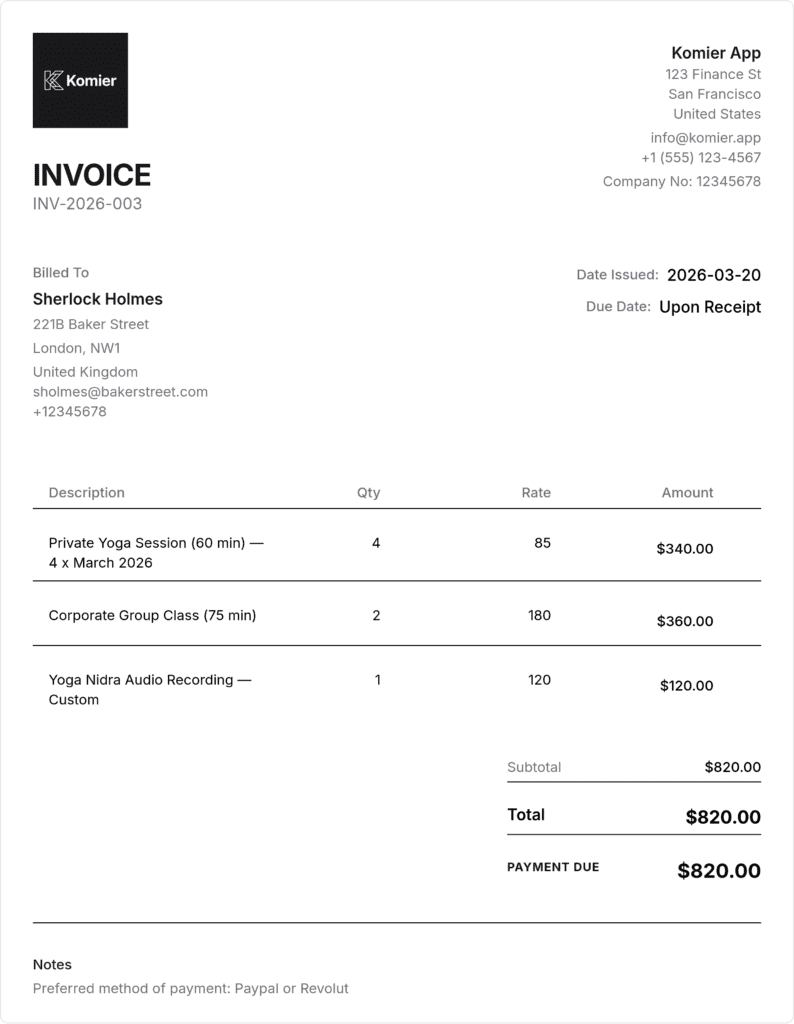
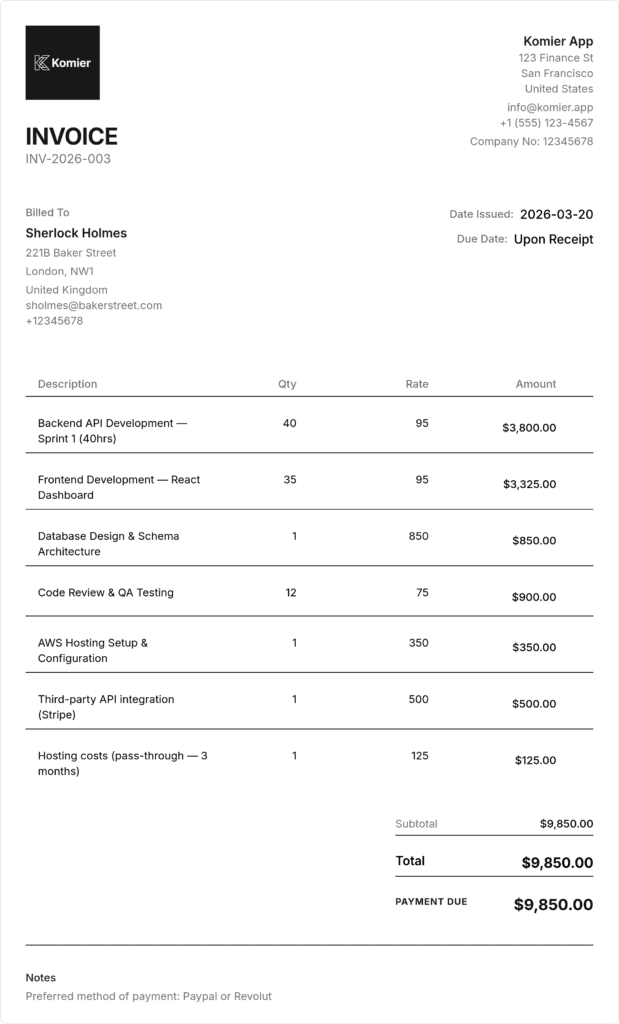
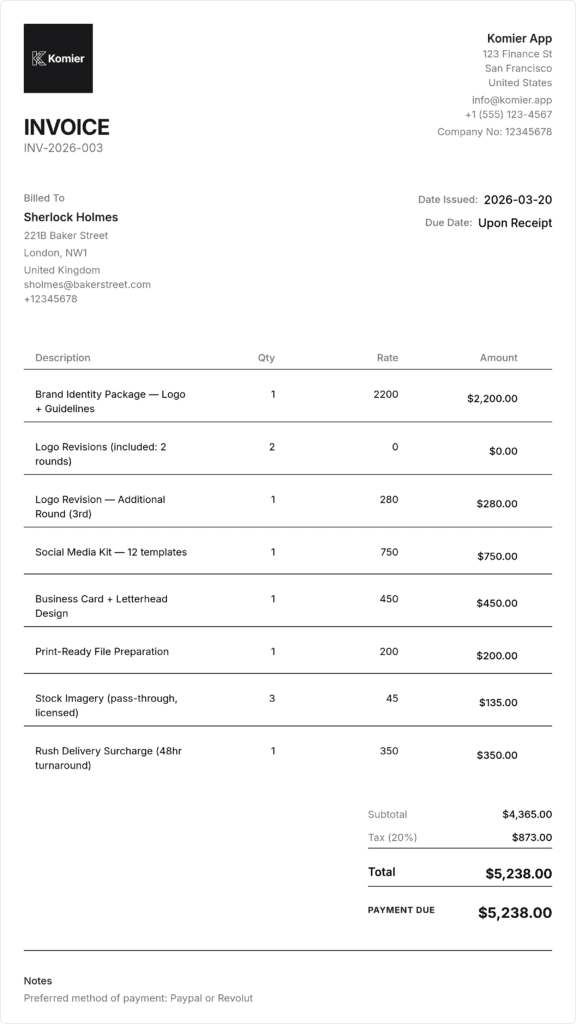
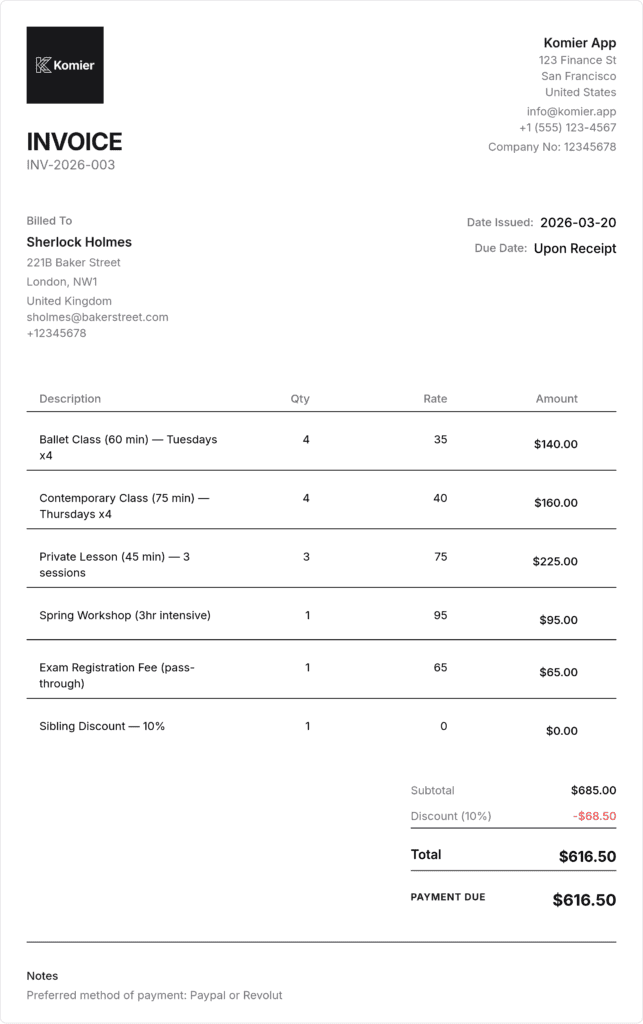
Sample Web Design Invoice — Built in Komier
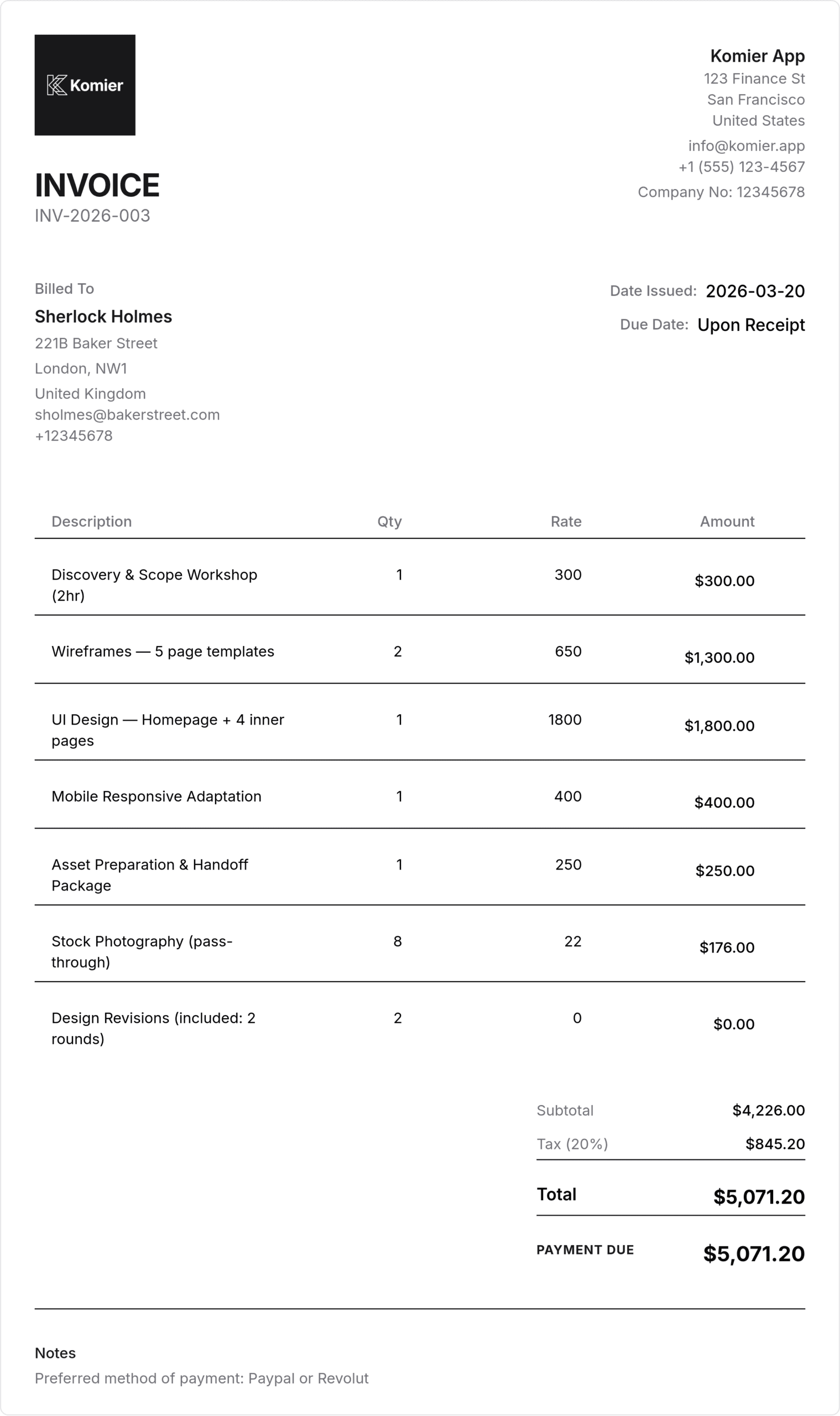
Invoicing Web Design Projects by Structure
Fixed-price project invoicing
For fixed-price projects, the most professional approach is staged invoicing: a deposit invoice at the start, a milestone invoice at a key delivery point (typically wireframe approval or first design presentation), and a final invoice on project completion. This structure protects you from scope creep and non-payment, and it is what experienced clients expect.
In Komier, create three separate invoices for the same client project, each clearly labelled with the project name and payment stage — ‘Project X — Deposit (50%)’, ‘Project X — Milestone Payment (25%)’, and ‘Project X — Final Balance (25%)’. Track all three in your invoice list and mark each as paid when received.
Hourly rate invoicing
For projects billed by the hour — ongoing work, consultancy, or smaller tasks — save your hourly design rate as an inventory item in Komier. When invoicing, set the quantity to the number of hours worked. Include date ranges in the description field so the client can see the period covered by each invoice.
Retainer invoicing
Many web designers move clients onto monthly retainers for ongoing maintenance, updates, and support. Save your monthly retainer rate as a recurring inventory item. Generate the retainer invoice at the start of each month, mark it as paid when received, and let your dashboard track the recurring revenue stream automatically.
Additional revision and change request billing
Scope creep is the defining business risk of web design work. Protect yourself by including a clear revision allowance in your contract and reflecting it on your invoice — ‘Design Revisions (2 rounds included)’ at zero charge. When clients exceed the allowance, generate a change request invoice using a ‘Design Revision — Additional Round’ line item at your applicable hourly rate. Having this in your Komier inventory means you can generate a change request invoice in under a minute.
Multi-Currency Invoicing for International Design Clients
Web designers frequently work with international clients — US-based designers billing European clients in EUR, Australian designers billing US clients in USD, or designers anywhere in the world billing clients on the other side of it. Komier’s multi-currency invoicing with live exchange rates makes this clean and professional regardless of which currencies your client relationships span.
Any third-party costs you cover on behalf of the client — stock images, fonts, plugin licences, domain registration — should appear as separate line items on the invoice, clearly labelled as pass-through costs at cost price. This protects you legally (the cost is documented) and professionally (the client understands exactly what they paid for).
Tax on Web Design Services
In most jurisdictions, web design services are subject to standard VAT or sales tax. For UK designers, that is 20% VAT once registered. For EU designers, the applicable national VAT rate. For US-based designers, sales tax on digital services varies by state. Configure your applicable rate once in Komier’s Tax Settings and it applies automatically to every invoice — no manual calculation required.
Managing Your Design Business Finances Beyond the Invoice
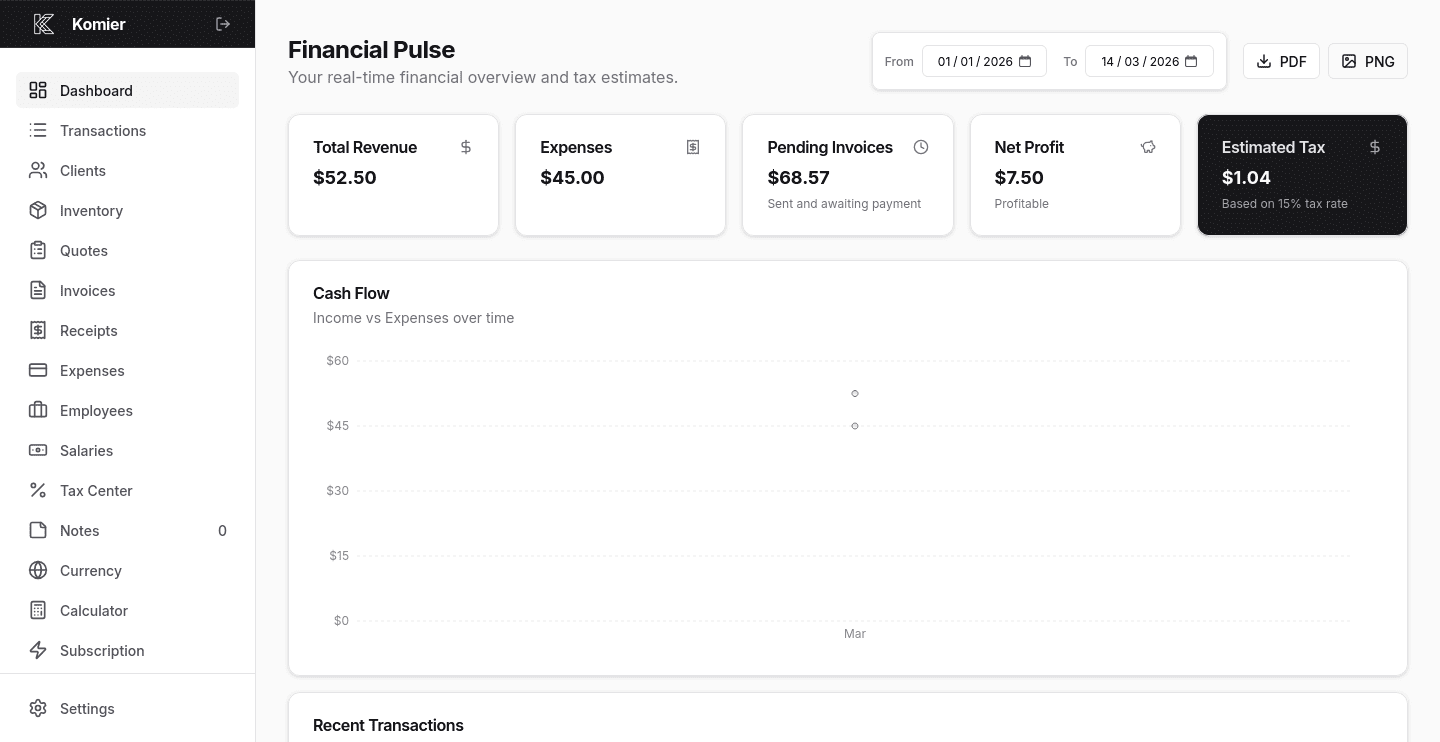
Komier gives web designers a complete financial picture, not just invoice generation:
Expense tracking — log software subscriptions (Adobe CC, Figma, Sketch), stock asset purchases, professional development, and equipment as deductible business expenses
Project revenue tracking — filter your transaction ledger by client to see the total revenue each project relationship has generated
Tax dashboard — monitor your running VAT or income tax liability in real time as project income arrives
Payslip generation — if you employ a junior designer, account manager, or virtual assistant, generate their payslips from the same platform