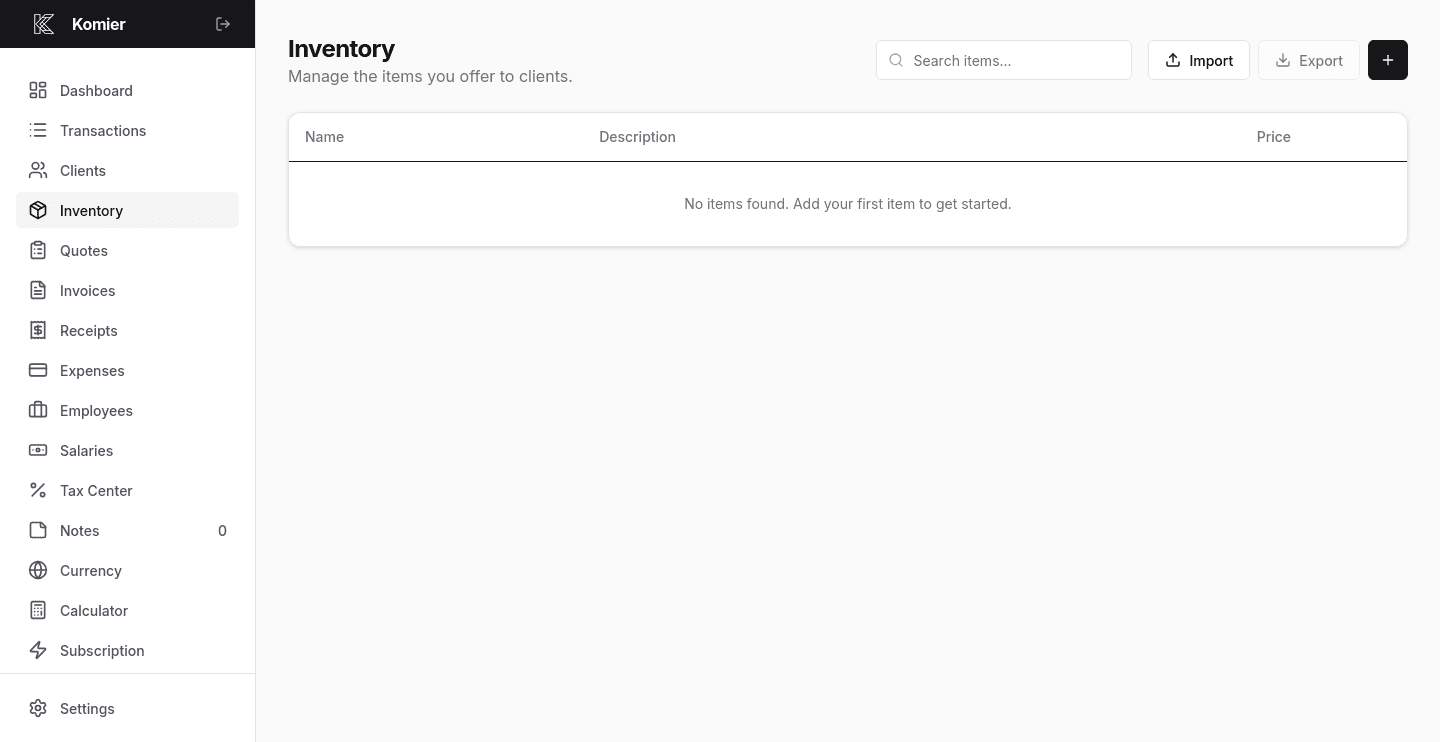
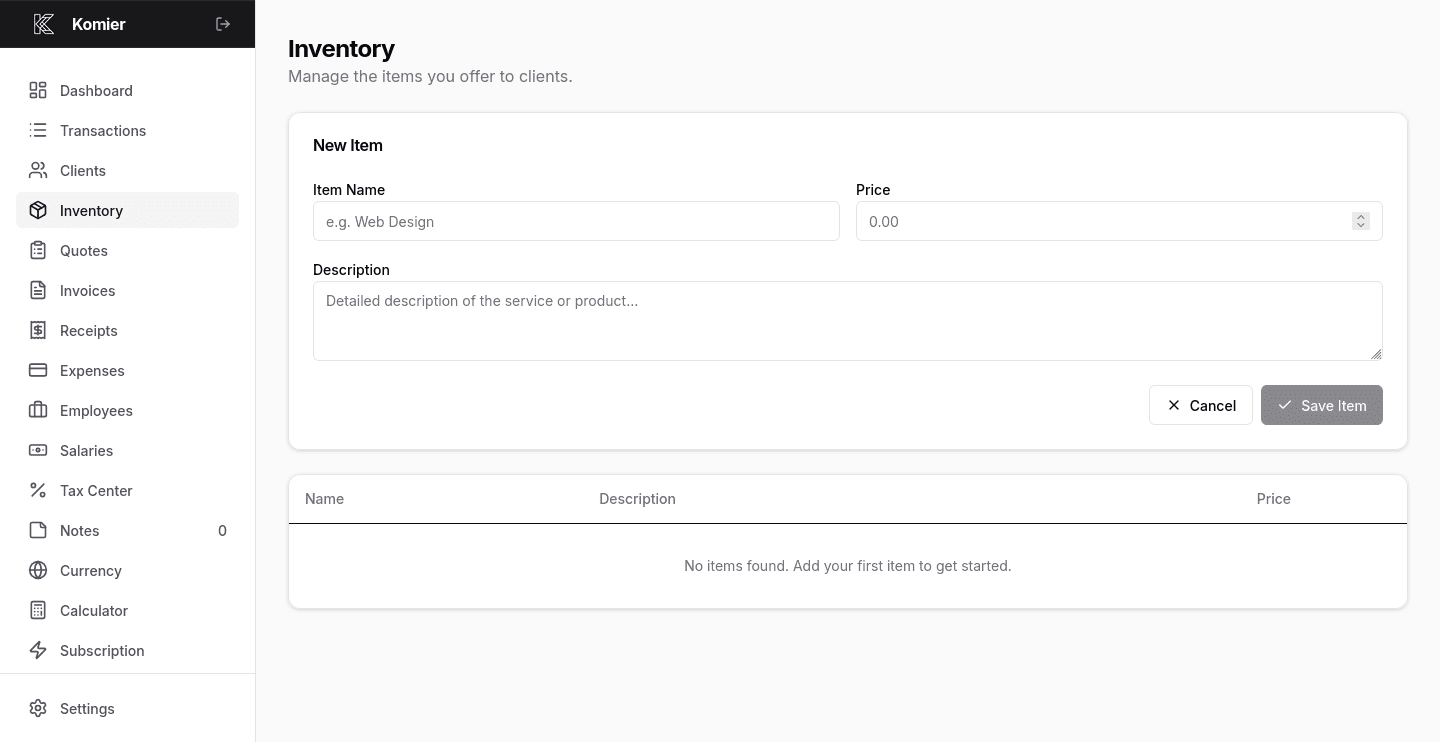
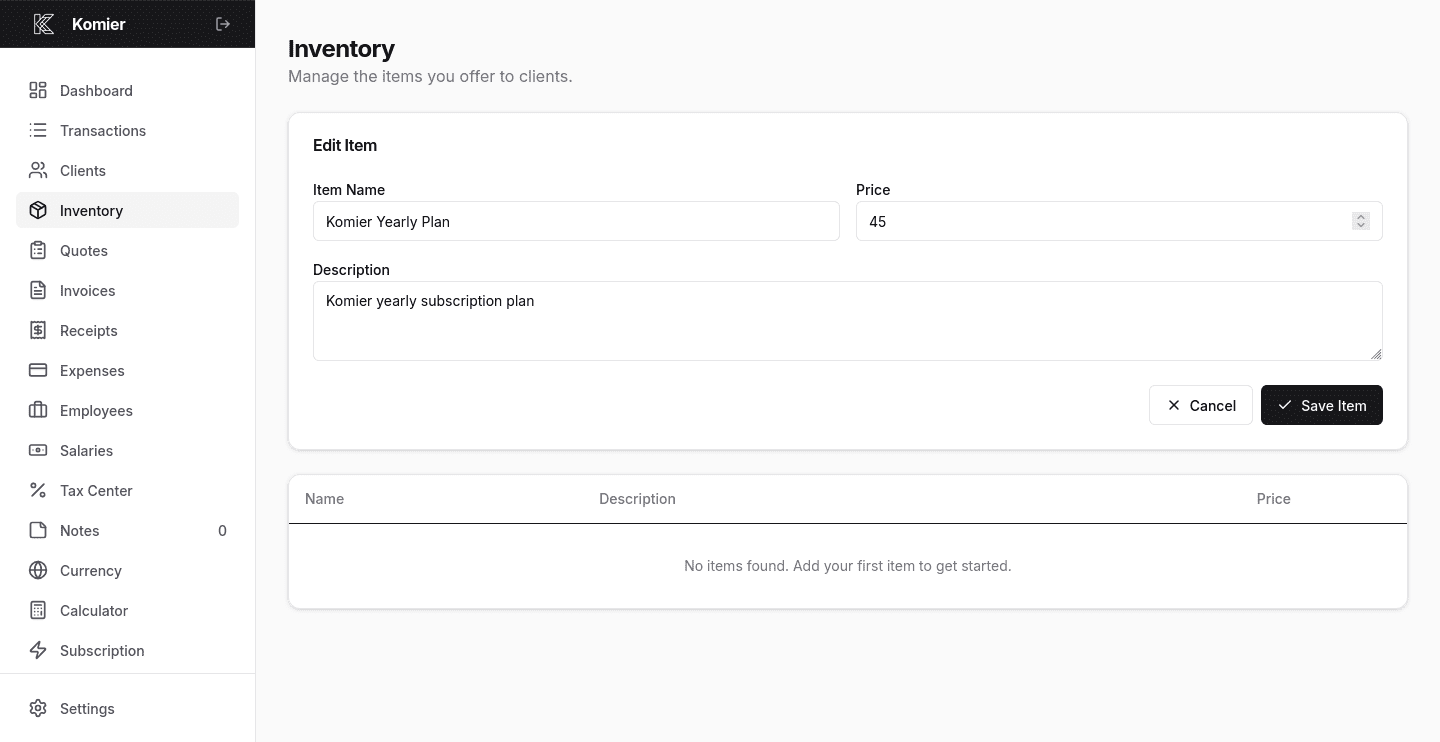
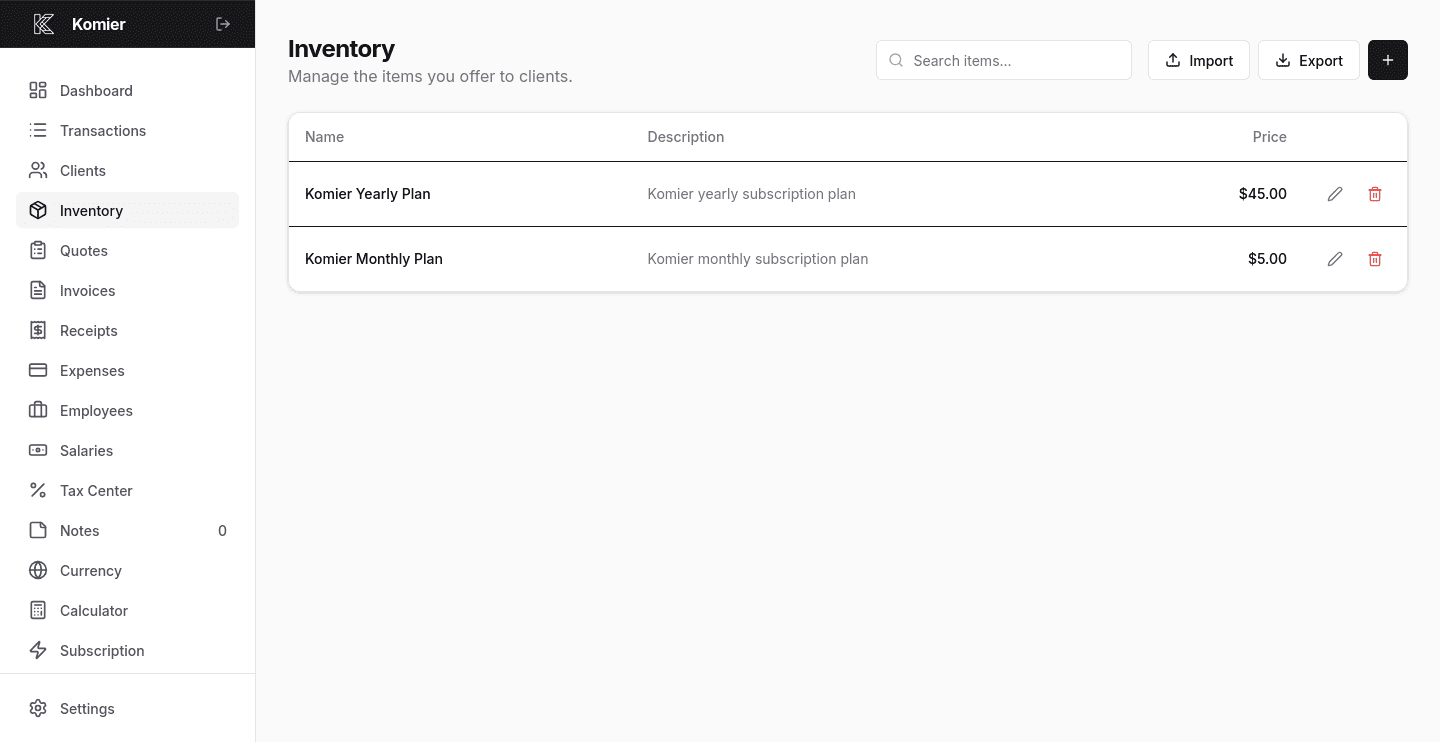
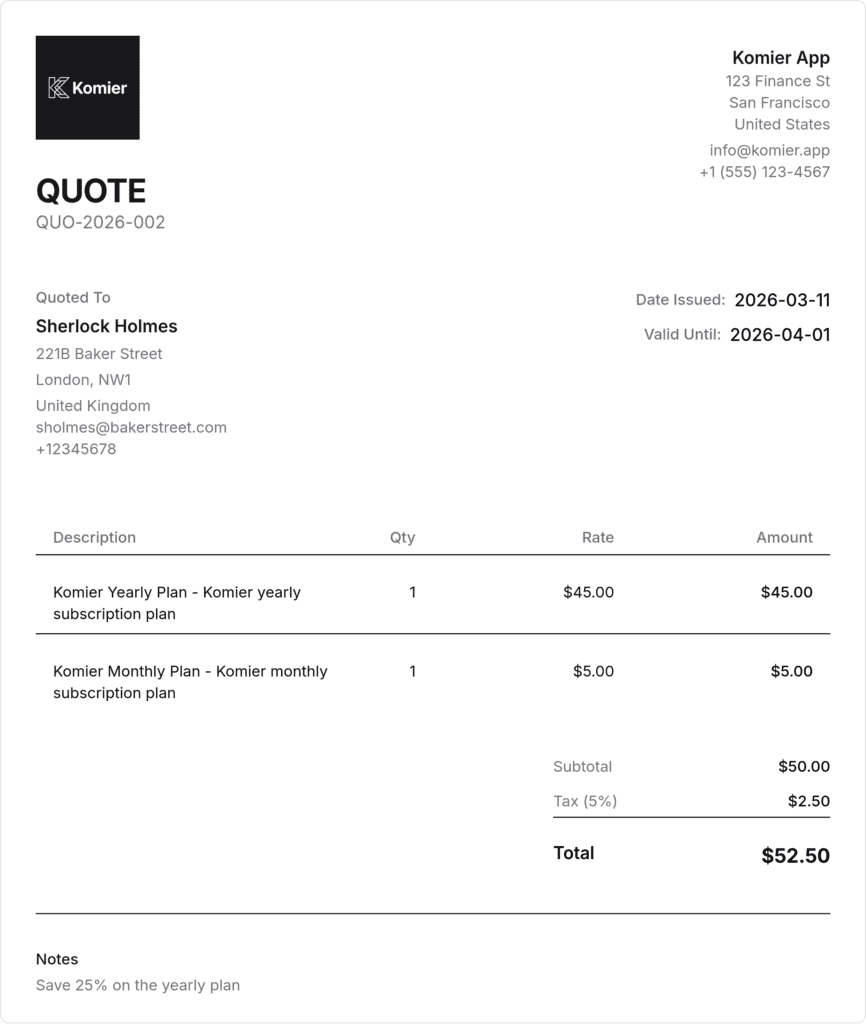
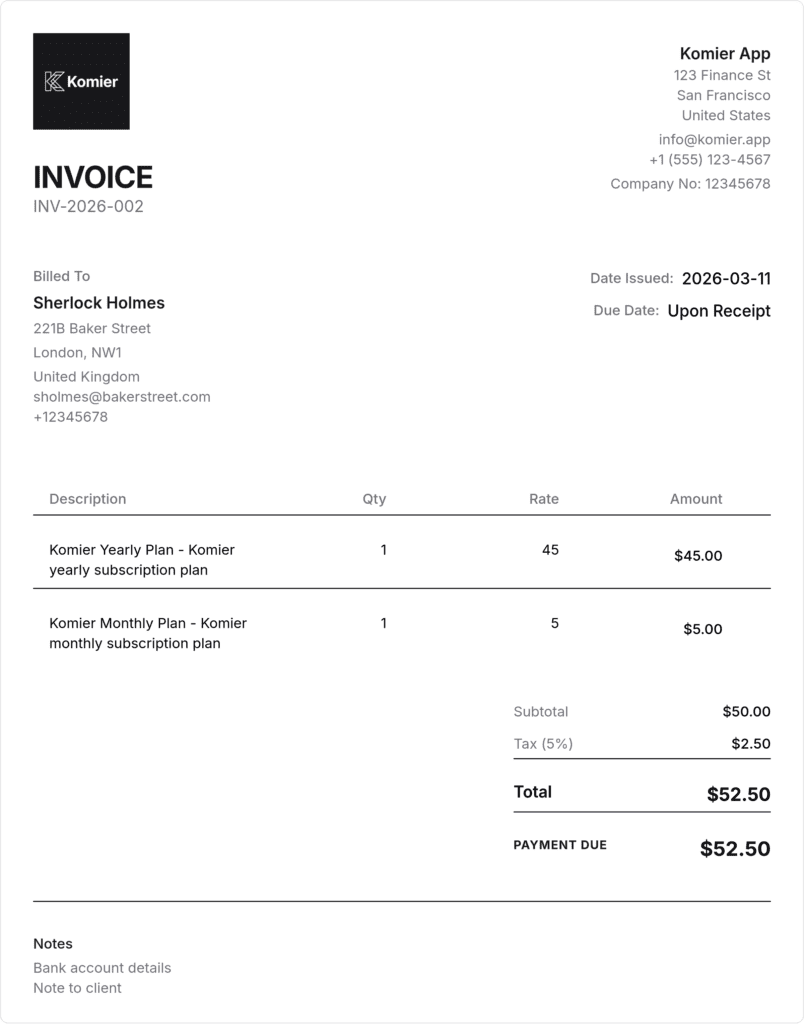
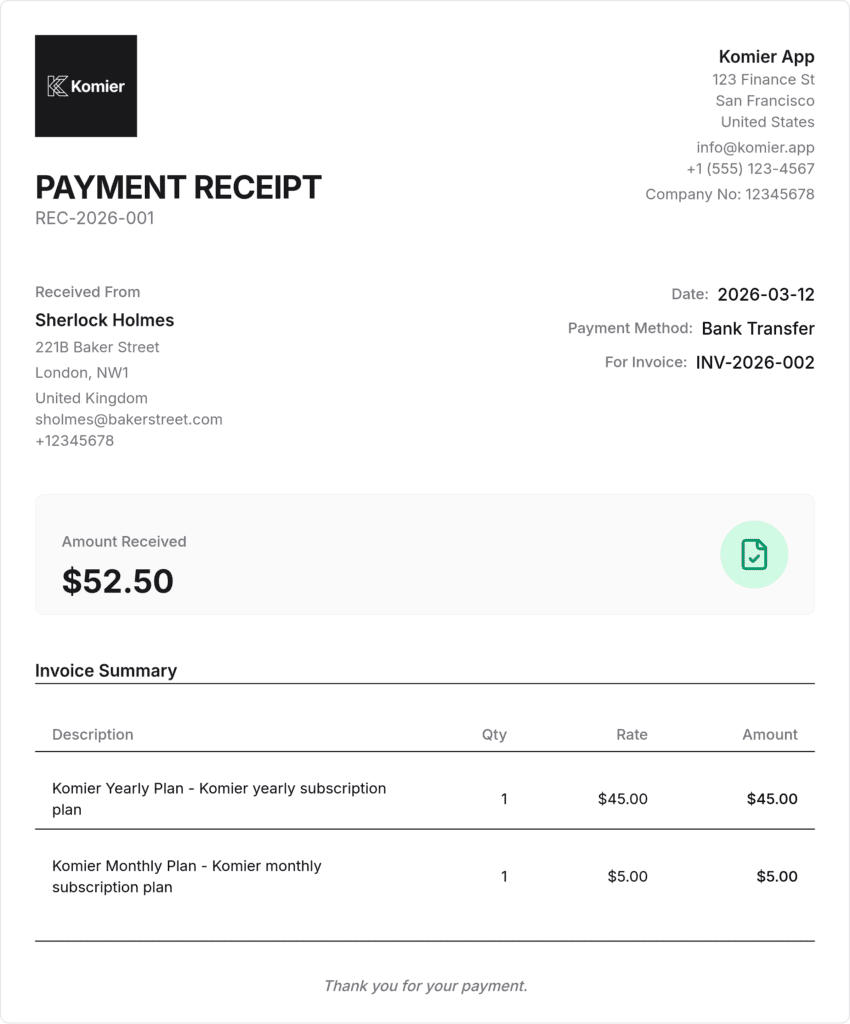
When you create a new invoice in Komier, the line items section pulls directly from your saved inventory. You select an item from the dropdown, and its name, description, and unit price fill in automatically. Set the quantity, and Komier calculates the line total. Add multiple items to build a complete invoice in seconds.
You can override the price, description, or quantity on any individual invoice without changing the saved inventory item. The inventory record stays intact — only that specific invoice reflects the change.