How to Use Live Currency Exchange on Komier — Invoice in Any Currency, Track in Yours
For millions of entrepreneurs in Africa, India, and other emerging markets, the financial reality of running a business is inherently multi-currency. You might invoice a client in the UK in GBP, receive payment from a US company in USD, pay local suppliers in Naira or Rupees, and file taxes in your home currency — all in the same month.
Most financial tools handle this poorly. They are built for single-market users and treat multi-currency as an edge case. Komier treats it as a core feature, because for a large portion of the global entrepreneurial market it is not an edge case at all — it is just how business works.
How the Komier Currency Feature Works
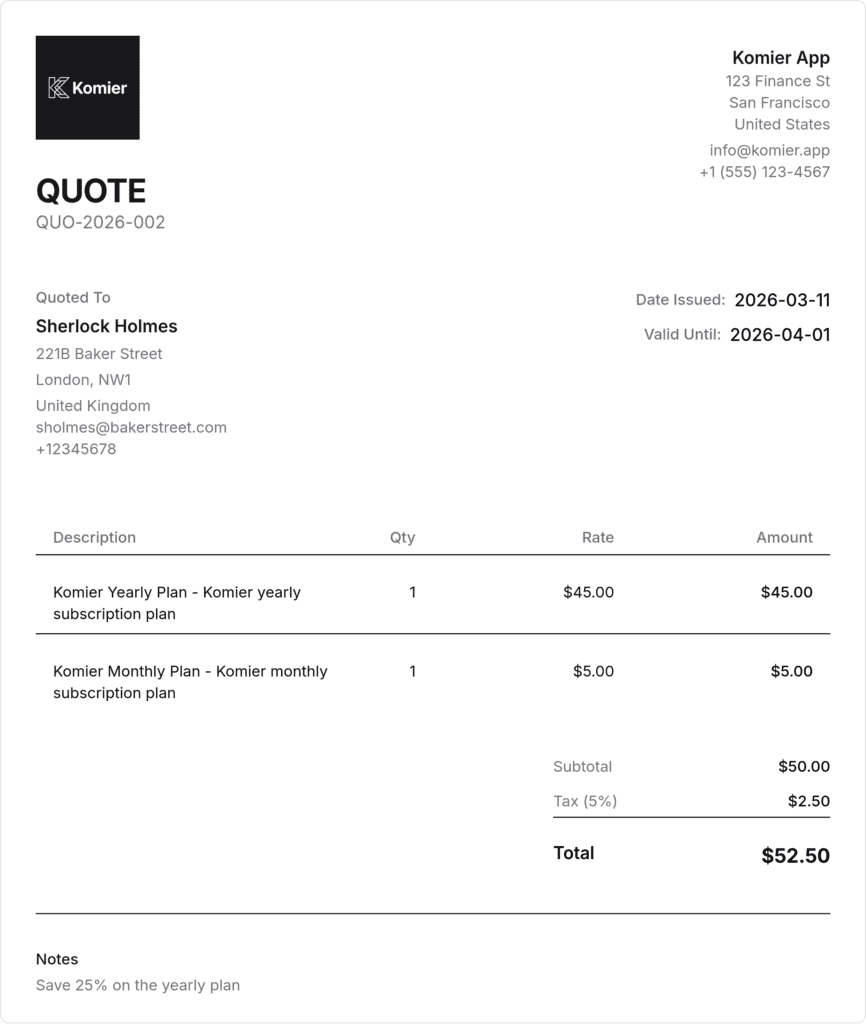
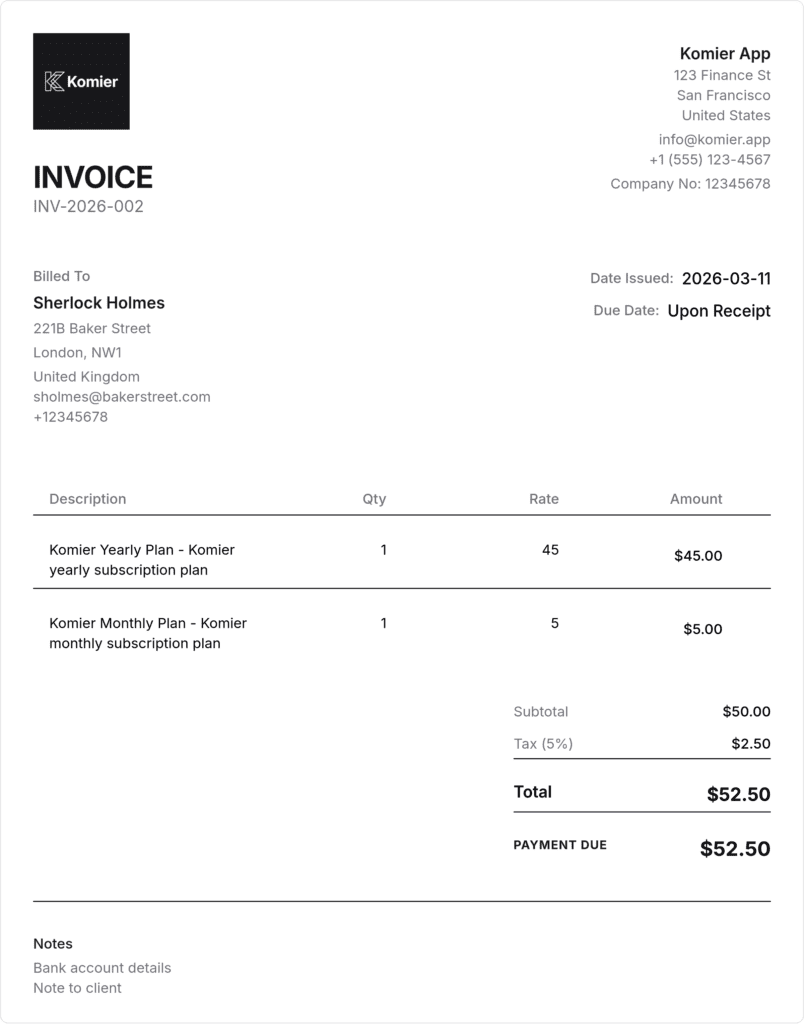
Komier includes two connected currency tools: a live exchange rate reference and a currency switcher that applies across your quotes, invoices, expenses, and dashboard. Together, they allow you to operate in multiple currencies simultaneously without losing clarity on your overall financial position.
Exchange rates are sourced from live financial data providers and updated in real time, so the rates you see in Komier reflect actual market rates at the moment you are working.
Komier's live currency exchange lets you invoice in any currency, track expenses in yours, and see your full financial picture accurately — regardless of how many currencies your business operates across.
Step-by-Step: Using the Currency Feature on Komier
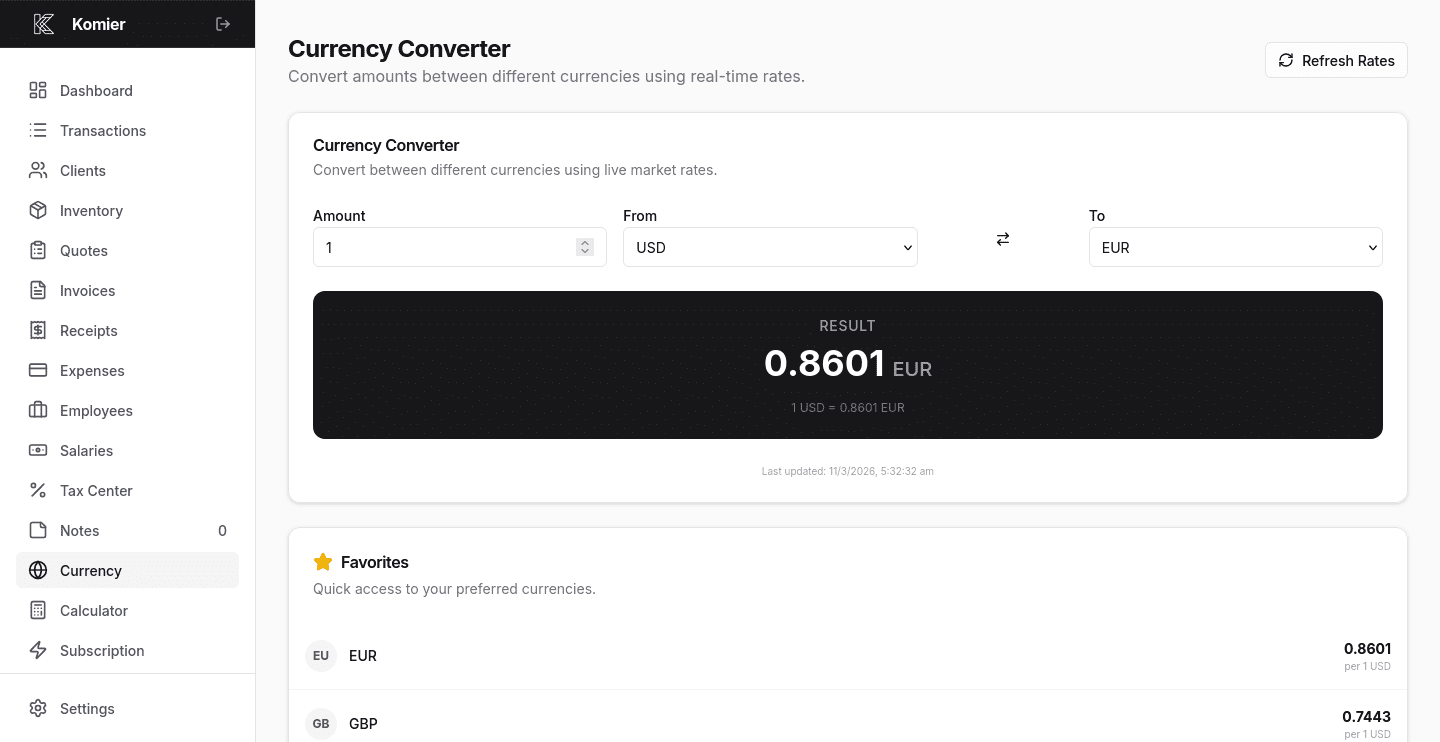
Select Currency from the left-hand navigation menu in your dashboard.
The currency dashboard displays live exchange rates for a wide range of global currencies. You can see at a glance what your home currency is worth against USD, EUR, GBP, and dozens of others. —
Set the currency you want to convert from — typically your home currency or the currency you receive payment in. —
Choose the currency you want to convert to. The live rate and converted amount display immediately.
Pro Tip: Check the live rate before sending an invoice in a foreign currency. If the rate has moved significantly since you quoted the client, you may want to adjust your invoice amount to protect your margin.
Currencies Supported by Komier
Komier supports a comprehensive range of global currencies covering major markets and the emerging economies where its users operate most. This includes but is not limited to:
US Dollar (USD), Euro (EUR), British Pound (GBP), Swiss Franc (CHF)
Nigerian Naira (NGN), Kenyan Shilling (KES), South African Rand (ZAR), Ghanaian Cedi (GHS)
Indian Rupee (INR), UAE Dirham (AED), Saudi Riyal (SAR)
Mauritian Rupee (MUR), Tanzanian Shilling (TZS), Ugandan Shilling (UGX)
Canadian Dollar (CAD), Australian Dollar (AUD), Japanese Yen (JPY), Chinese Yuan (CNY)
If your currency is not listed, contact us at info@komier.app and we will work to add it.
Currency and Your Financial Dashboard
Your Financial Pulse dashboard displays your overall financial position in your configured home currency. When you invoice in a foreign currency and that invoice is marked as paid, Komier records the income in both the invoice currency and the equivalent home currency amount — so your dashboard always reflects your true financial position in the currency you live and spend in.