How to Create a Professional Virtual Assistant Invoice — Bill Every Hour, Every Task, Every Month
Virtual assistants are among the fastest-growing freelance categories globally — and among the most geographically distributed. Filipino VAs serving US entrepreneurs. Indian VAs supporting UK agencies. Latin American VAs working with Canadian startups. The virtual assistant market is inherently multi-currency and cross-border, which makes professional invoicing not just a good habit but a practical necessity.
Whether you offer administrative support, social media management, email handling, scheduling, customer service, or a specialised combination of all of these — your services have real value and your invoice should reflect it with the same professionalism your clients experience in your work.
You make your clients' businesses run smoothly. Make sure your own business — starting with your invoice — runs just as professionally.
What a Virtual Assistant Invoice Should Include
- Your full name or VA business name, contact details, and country of operation
- Client name and billing email — for business clients, include the company name and any billing reference
- Invoice number and date — maintain consistent sequential numbering
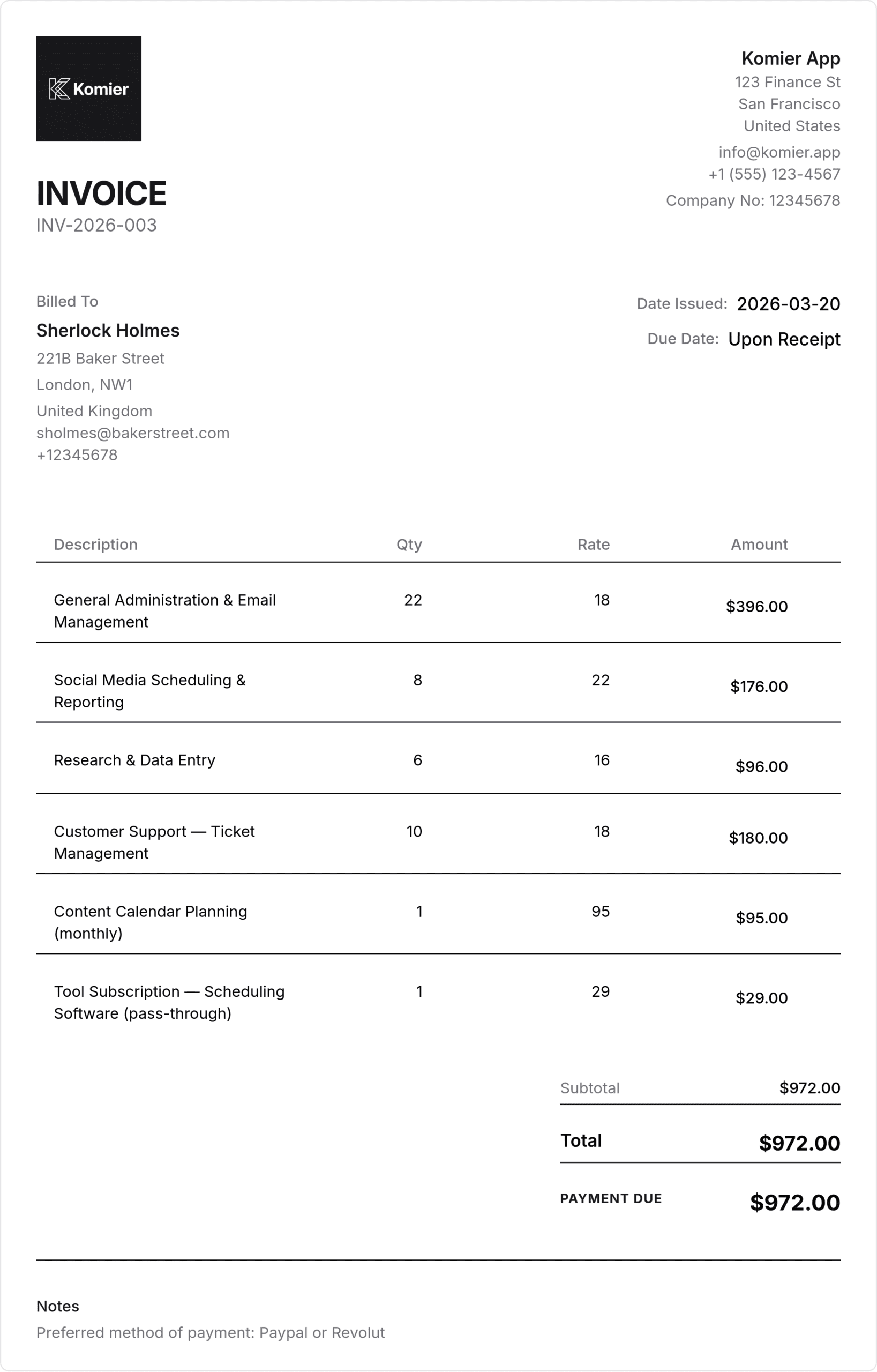
- Line items: service type, hours or units, rate, and total
- Billing period covered — week, fortnight, or month
- Any expenses incurred on behalf of the client (software subscriptions, tools, postage) as pass-throughs
- Tax if applicable — many VA markets have specific thresholds below which tax does not apply
- Total due, payment terms, and preferred payment method
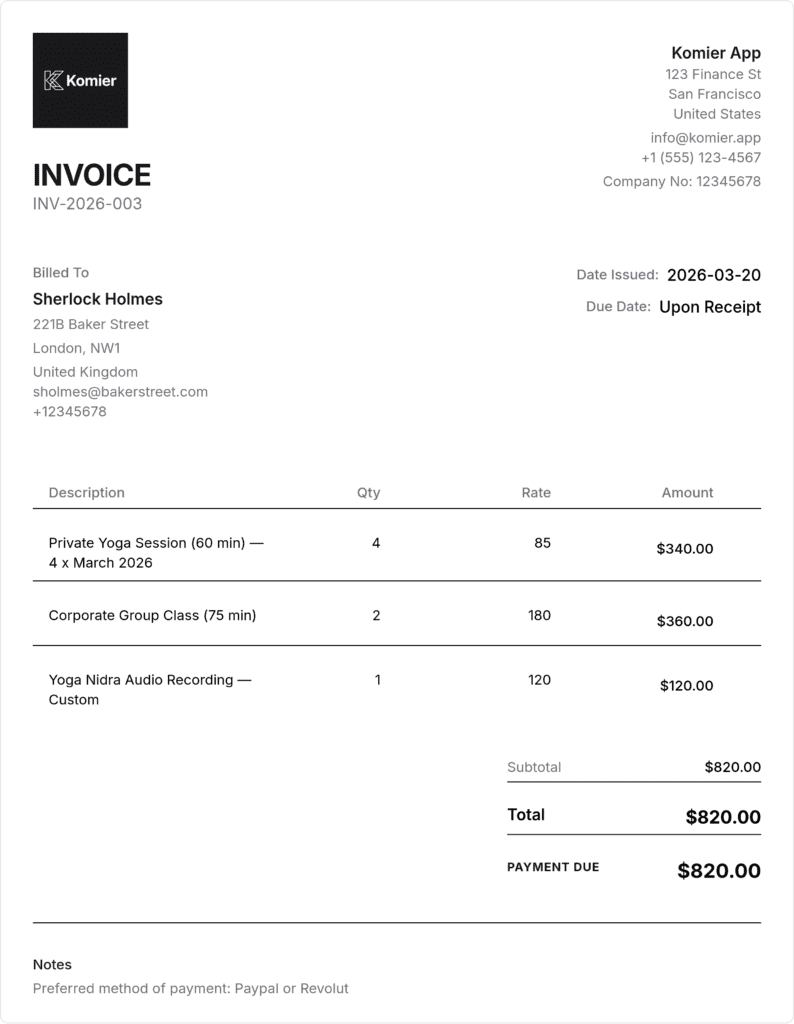
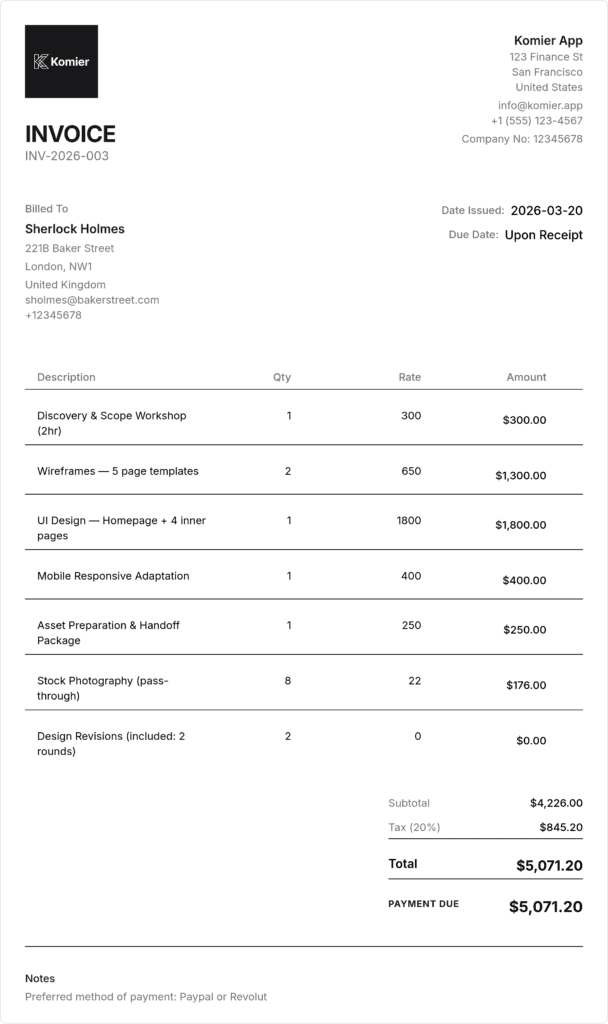
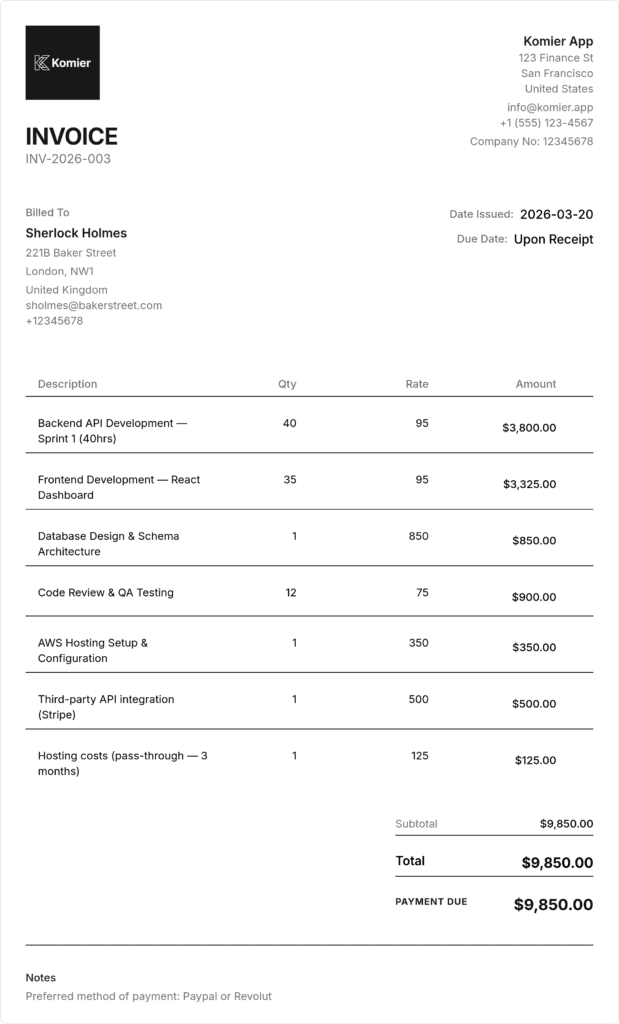
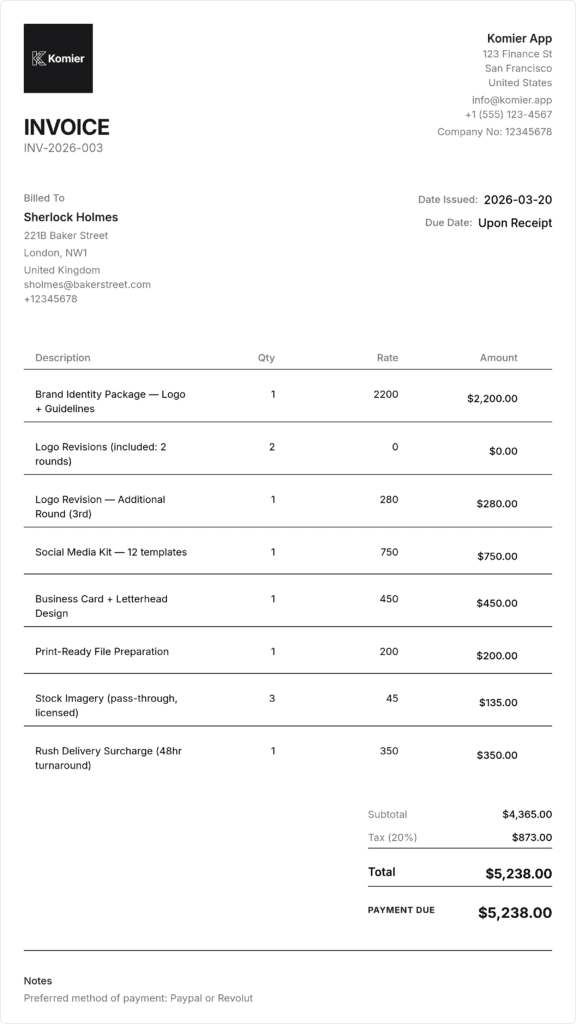
Sample Virtual Assistant Invoice — Built in Komier
Billing Structures for Virtual Assistants
Hourly billing — the most common VA model
Most VAs bill by the hour, with different hourly rates for different types of work. Save each service category as a separate inventory item in Komier — ‘Admin Support (per hour)’, ‘Social Media Management (per hour)’, ‘Graphic Design (per hour)’, ‘Research (per hour)’. When invoicing bi-weekly or monthly, select the items, enter hours worked per category, and Komier calculates the total.
Monthly retainer packages
ny experienced VAs move clients onto monthly packages — a defined number of hours per month at a package rate. This is more financially stable than pure hourly billing and gives the client budget predictability. Save ‘VA Retainer — 20 hours/month’, ‘VA Retainer — 40 hours/month’ as inventory items. Invoice at the start of the month and deliver the agreed hours. Track actual hours in your Notes to ensure you are not consistently overdelivering.
Task-based pricing
Some VAs charge per task rather than per hour — a flat fee per newsletter sent, per blog post scheduled, per social media graphic created. Save each task type as a fixed-price inventory item. Invoice weekly or bi-weekly for tasks completed. This model rewards efficiency — the faster you complete a task, the higher your effective hourly rate.
Multi-client management
Most VAs manage multiple clients simultaneously. Komier’s client management system keeps each client completely separate — their own invoice history, their own payment record, their own transaction ledger. Generating invoices for five different clients on the same day takes minutes, not hours.
International VA payments typically flow through Wise, Payoneer, PayPal, or direct bank transfer. Include your payment platform details clearly on every invoice — account number, PayPal email, or Wise recipient details. The easier you make it for the client to pay, the faster they do.
Multi-Currency VA Invoicing — The Global Norm
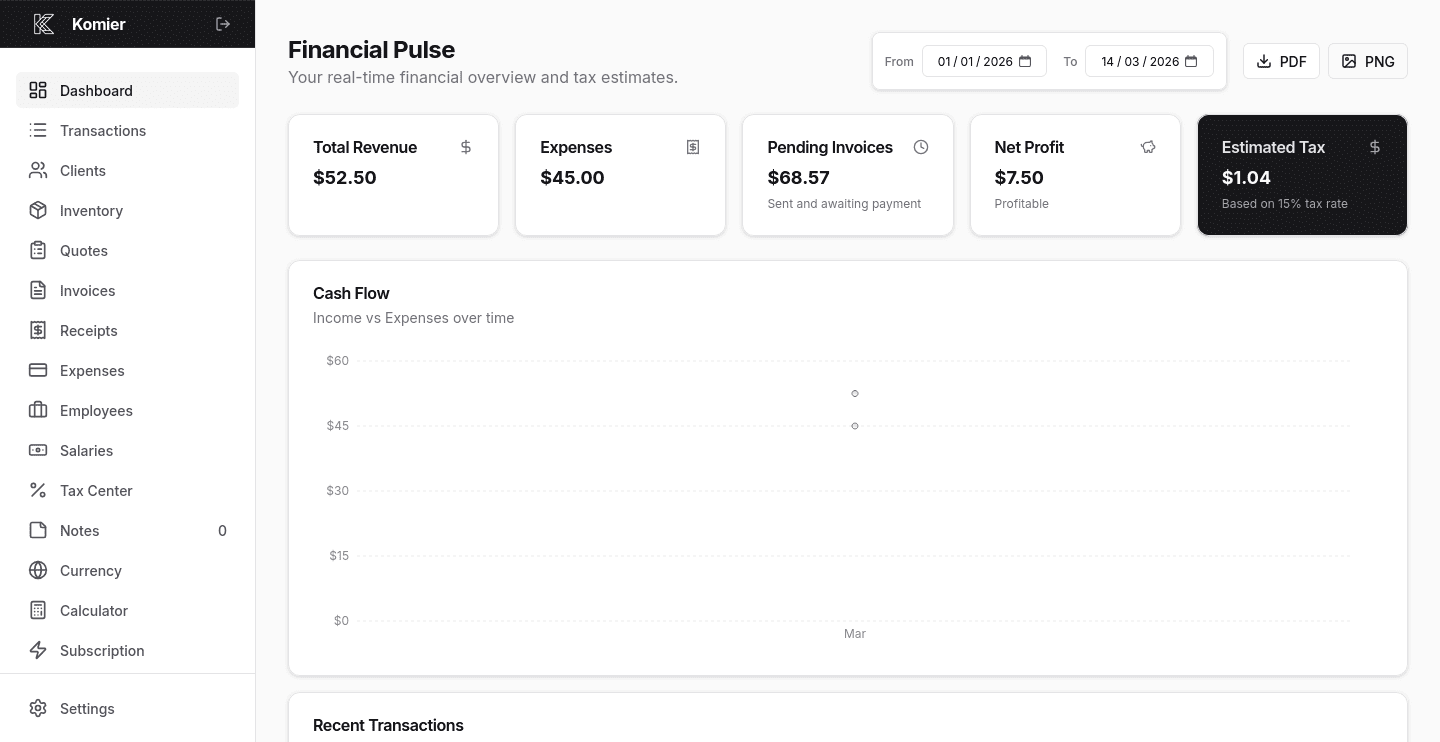
Virtual assistant work is fundamentally cross-border. A Filipino VA earning in USD, a Pakistani VA billing in GBP, an Indian VA invoicing in EUR — multi-currency invoicing is not an edge case for VAs, it is the default operating reality. Komier handles this natively: invoice each client in their preferred currency, track your home currency income on the dashboard, and monitor live exchange rates in the currency section.