How to Create a Professional Web Development Invoice — From Sprints to Retainers, Invoice With Precision
Web developers are among the most in-demand freelancers globally — and among the most inconsistent when it comes to invoicing. The technical complexity of the work does not always translate into the same rigour on the business side, and the result is often vague invoices, payment disputes, and income that does not fully reflect the value delivered.
Whether you build websites, web applications, APIs, or full-stack systems, a professional web development invoice is the document that transforms completed work into confirmed income. Getting it right protects you, professionalises your client relationships, and creates the financial records that any growing business needs.
You would never ship undocumented code. Do not send an undocumented invoice.
What Makes Web Development Invoicing Unique
Web development projects have characteristics that make their invoicing more nuanced than most service businesses:
Projects often span multiple weeks or months, requiring staged or milestone-based invoicing
Scope changes mid-project are common and need to be reflected in additional invoices or change orders
Hourly and fixed-price engagements have different billing structures but both need clear documentation
Third-party costs — hosting, domain, API licences, third-party services — are often covered by the developer and passed through to the client
Retainer arrangements for maintenance and support create recurring monthly invoices that need to be generated consistently
What a Web Development Invoice Should Include
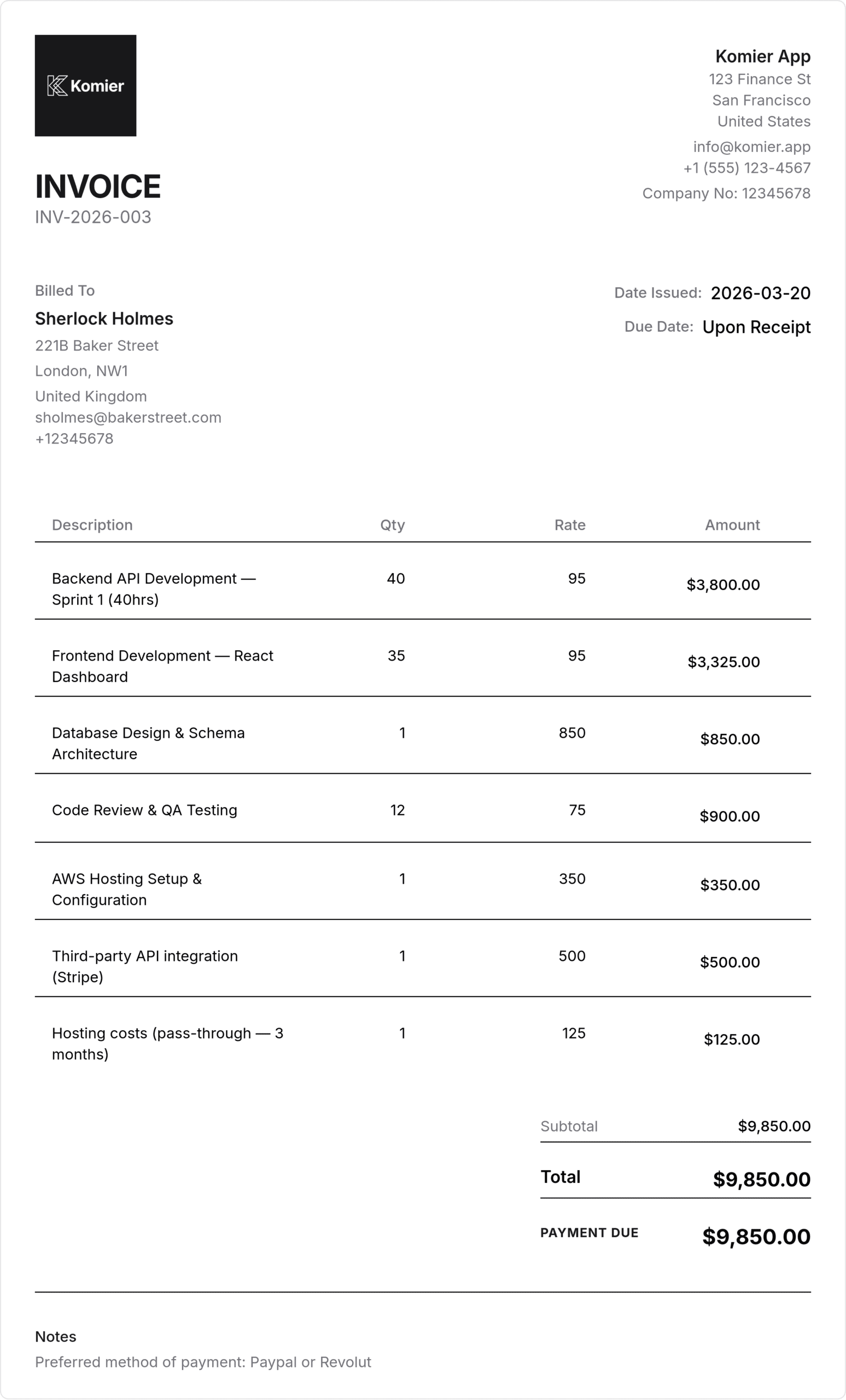
Your name or company name, contact details, and tax registration number if applicable
Client business name and full billing details including any PO number they require
Invoice number — sequential and unique for every invoice
Invoice date and payment due date
Project reference or name — especially important when working on multiple projects for the same client
Line items for each deliverable, phase, or service — with enough description to be unambiguous
Hourly breakdown if billing by time — hours worked, rate per hour, period covered
Pass-through costs clearly labelled at cost price
Tax at applicable rate
Payment terms and preferred payment method
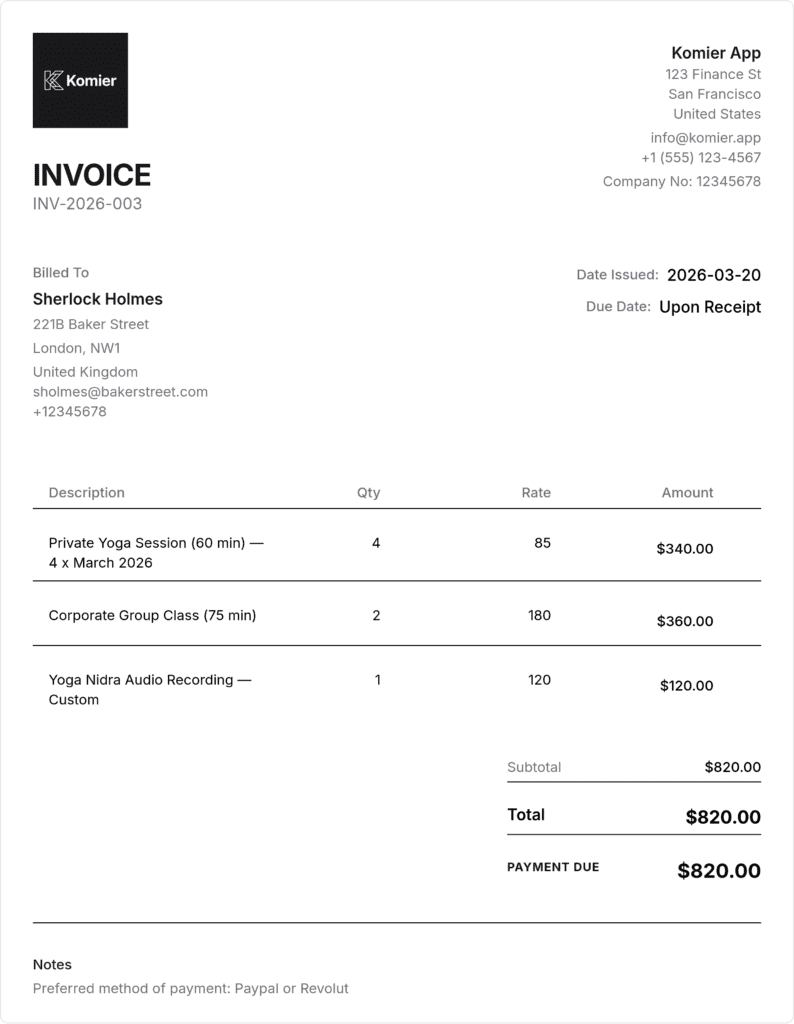
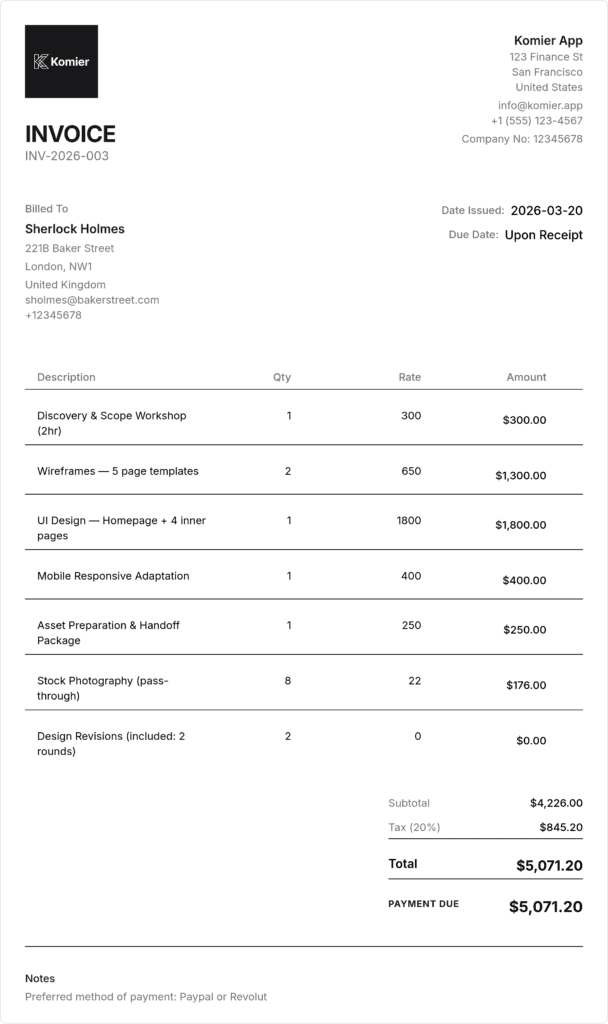
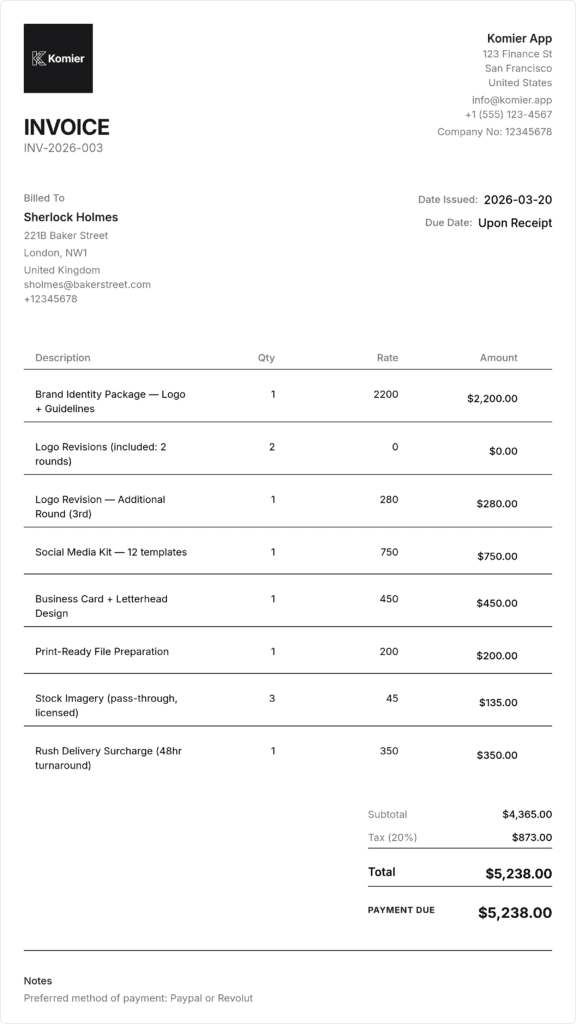
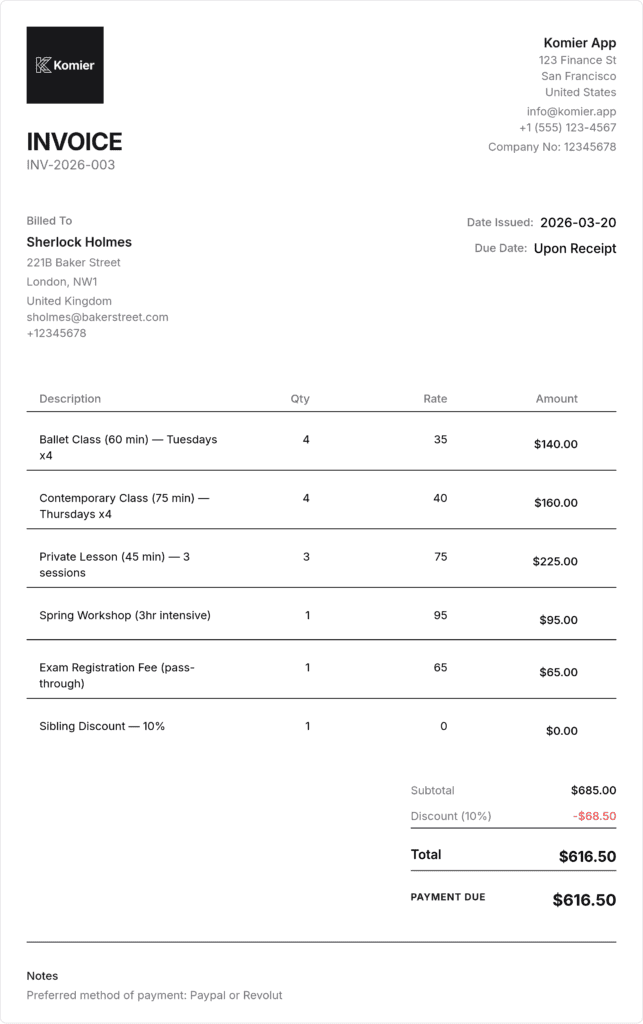
Sample Web Development Invoice — Built in Komier
Billing Structures for Web Developers
Fixed-price project billing — milestone invoices
For fixed-price projects, milestone invoicing is the professional standard. Structure your payments around deliverables that the client can review and approve:
Project kickoff deposit — typically 30 to 50 percent of the total project fee
Milestone 1 payment — on delivery of a key stage (backend complete, or prototype approved)
Milestone 2 payment — on delivery of the next major stage
Final payment — on project handover and client sign-off
In Komier, generate each milestone invoice separately, clearly labelled with the project name and milestone stage. Your invoice list shows the complete payment history for each project.
Hourly billing — time and materials
For time-and-materials engagements, invoice weekly or bi-weekly to avoid large accumulated bills that become a payment challenge at month end. Save your hourly rate as an inventory item in Komier. When invoicing, set the quantity to hours worked and include the date range in the description field. For larger projects, break the invoice by category — frontend hours, backend hours, meetings, QA — so the client can see how time was allocated.
Sprint-based billing
For agile development projects billed per sprint, generate an invoice at the end of each sprint. The sprint period becomes the service description — ‘Sprint 3 — March 10-24, 2026’. If different team members worked at different rates, list each as a separate line item. Komier’s inventory handles multiple rate items without limitation.
Maintenance and support retainers
Ongoing retainers are the most financially stable income stream in web development. Save your monthly retainer as an inventory item at the agreed rate. Generate the invoice at the first of each month, set a 7-day payment term, and use Komier’s notes feature with a reminder to follow up if payment has not arrived by the due date.
Handling Scope Changes on Your Invoice
Scope creep is the defining financial risk for web developers. When a client requests work beyond the original scope, generate a change order invoice immediately — do not absorb the additional work informally and attempt to account for it later. In Komier, a change order invoice looks exactly like a project invoice but is labelled clearly: ‘Change Request — [Project Name] — [Description of change]’.
Invoicing change requests promptly and formally creates a paper trail that protects you if the client later disputes the additional work or charges. It also trains clients to understand that changes have costs — reducing the frequency of casual ‘can you just add…’ requests over time.
If you are a VAT-registered EU developer billing another VAT-registered EU business in a different member state, the reverse charge mechanism typically applies — meaning you invoice at 0% VAT and the client accounts for VAT in their country. In Komier, set the tax rate to 0% on that invoice and add a note in the description field stating that the EU reverse charge mechanism applies. Always confirm this with your accountant for your specific situation.
Managing Developer Business Finances With Komier
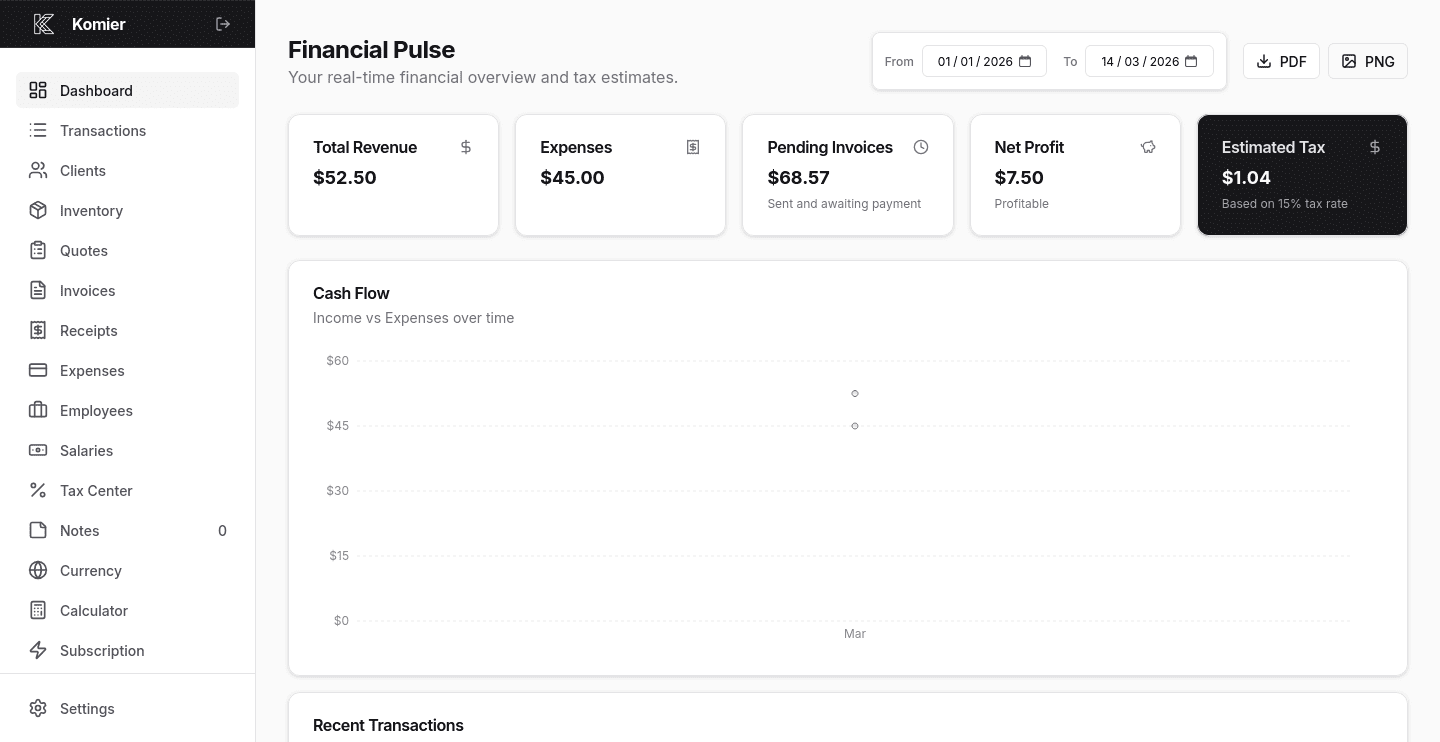
Track software subscriptions — IDEs, cloud services, productivity tools — as deductible expenses
Log server and hosting costs you cover personally as business expenses
Monitor your running income tax or VAT liability in real time as project payments arrive
Generate payslips for any junior developers or contractors you employ
Filter your transaction ledger by client to see total revenue from each project relationship