How to Generate a Payslip on Komier — The Payslip Generator QuickBooks, FreshBooks & Invoice Ninja Don't Have

Generating payslips is one of those tasks that sounds simple but becomes a monthly grind for most small business owners — especially when you have employees on different pay structures, different overtime rates, and variable hours each month. Komier’s payslip generator handles all of this automatically once your employee records are set up.

This guide covers the complete payslip generation process in Komier, from opening a new payslip to exporting and sharing it with your employee.

Before You Start

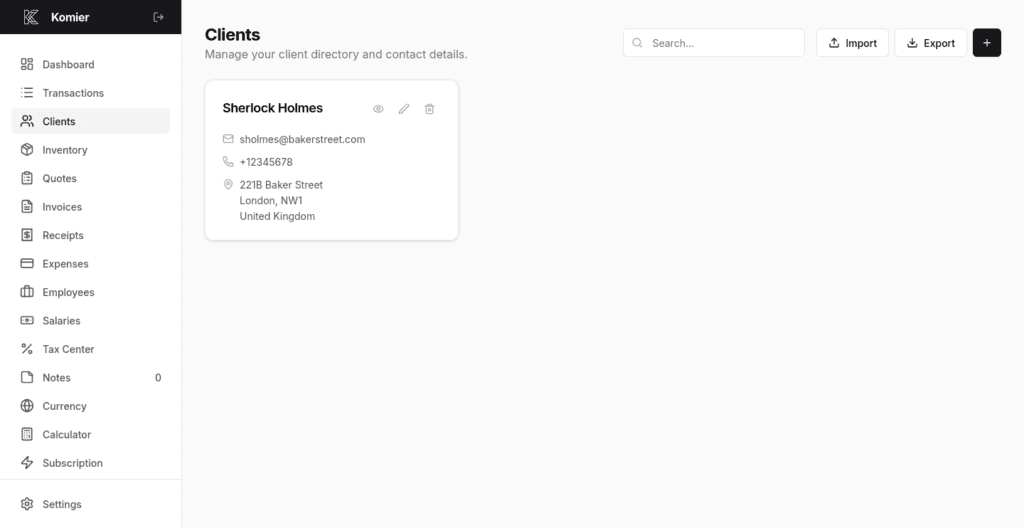
To generate payslips in Komier, your employees must be saved in the Employees section with their salary and overtime structures configured. If you have not done this yet, see the previous Blog in this series: How to Add Employees on Komier.

With employee records in place, generating a payslip takes under two minutes per employee.

Step-by-Step: Generating a Payslip on Komier

komier online payslip template generator

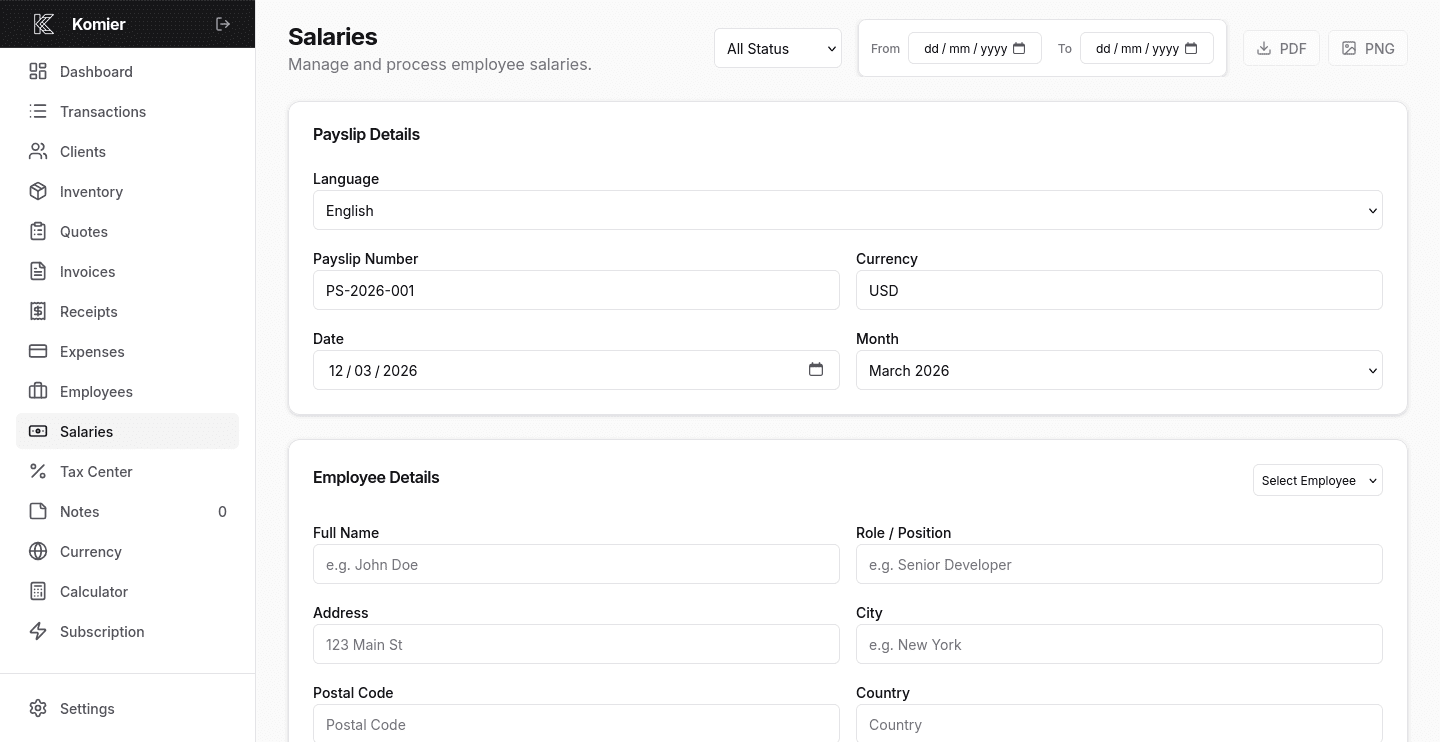
Step 1 — Open the Payslip Generator

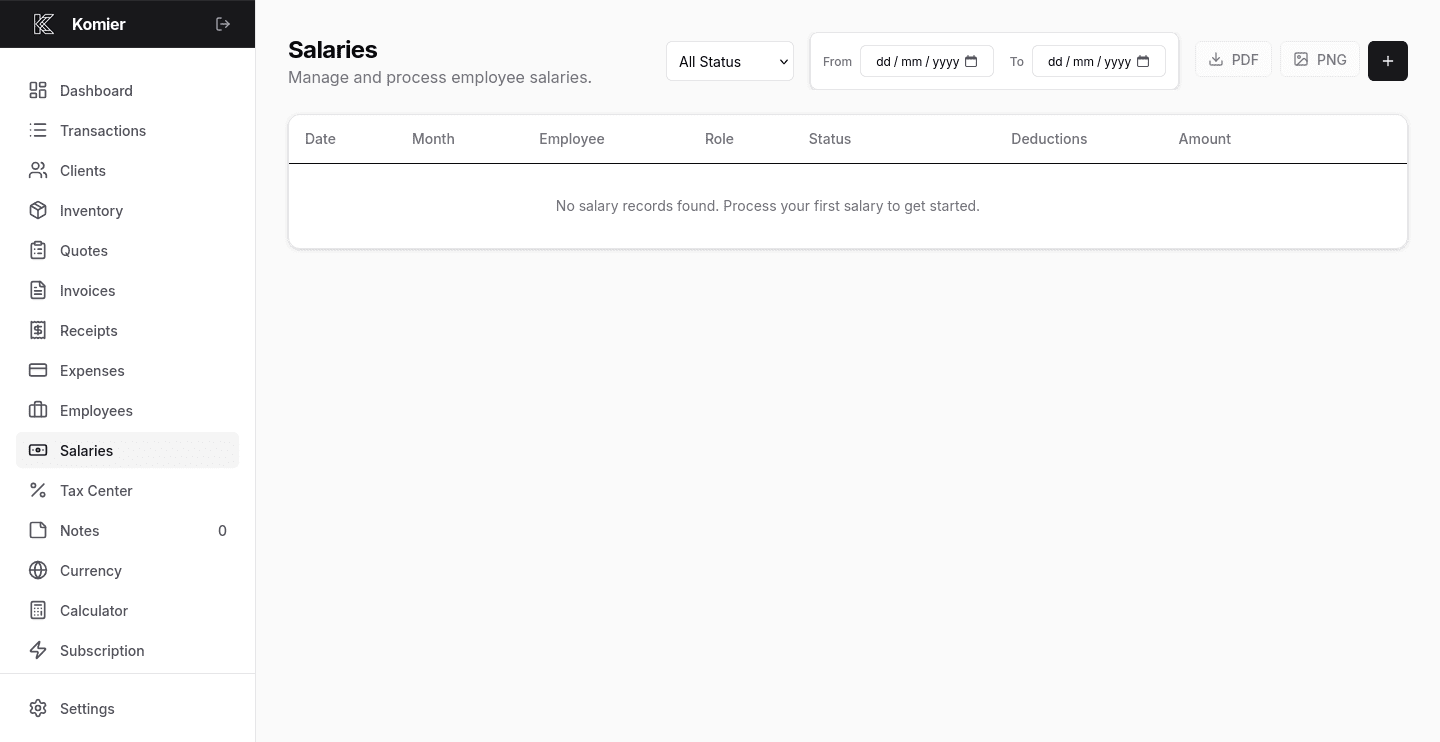
Select Salaries from the left-hand navigation menu in your dashboard.

komier online payslip template generator

Step 2 — Add New Payslip

Click on the + button to open a blank payslip form.

komier online payslip template generator

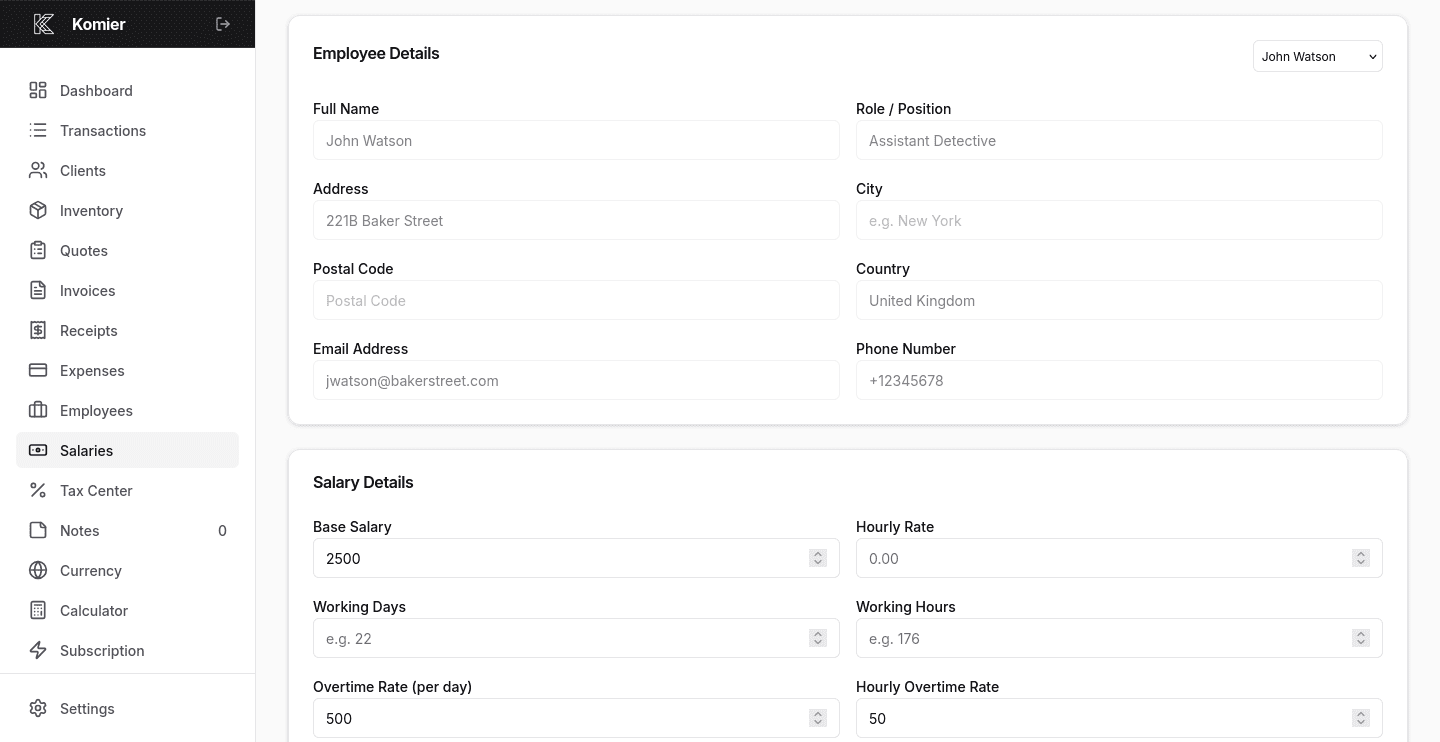
Step 3 — Fill Employee Details

Under Employee Details, choose your employee from the dropdown on the top right corner. Their base salary, overtime rates, and standard deductions load automatically from their saved record.

komier online payslip template generator

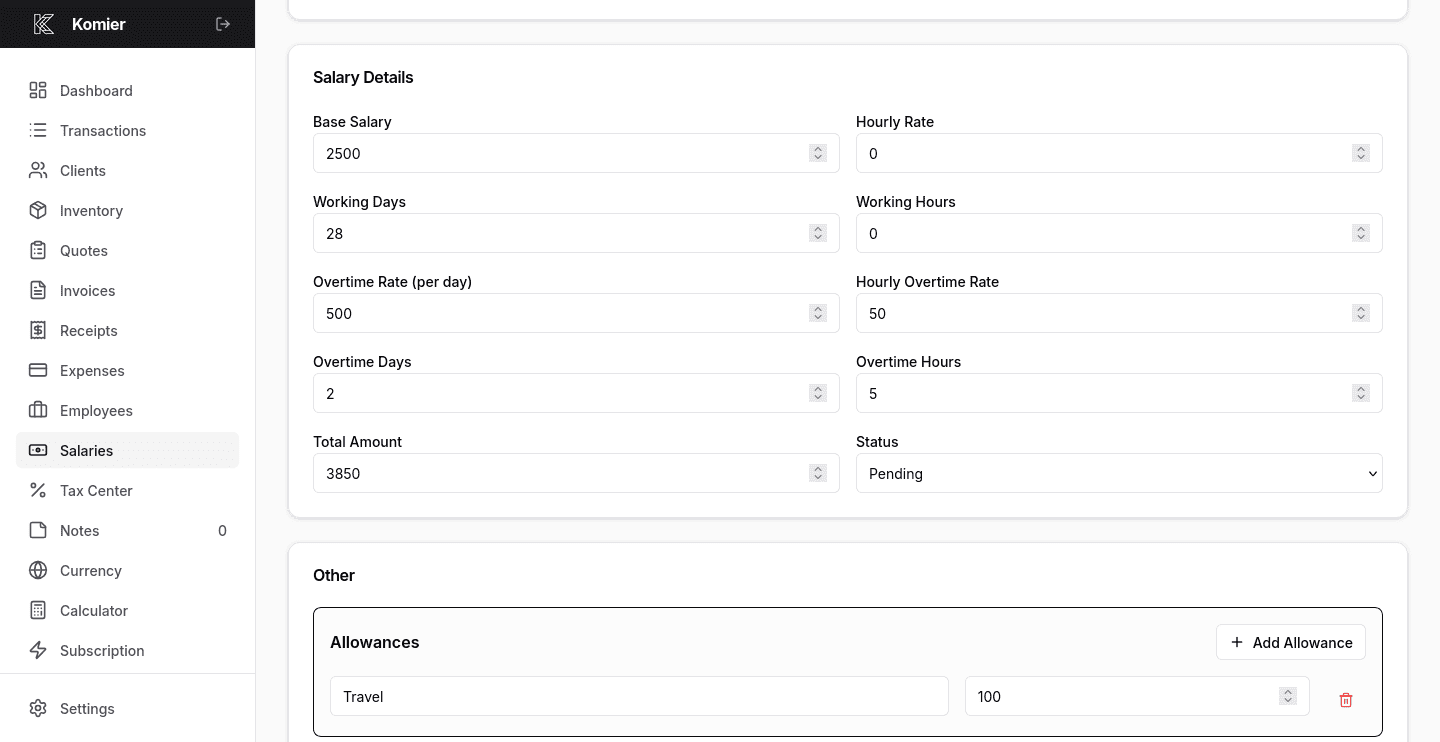
Step 4 — Fill Salary Details

Fill in your employee’s salary details like Working Days and Working Hours. The rest of the salary details will fill in automatically based on their saved record.

If the employee worked overtime hours or days during this period, enter the number of hours and days. Komier multiplies this by their saved per-hour overtime rate and adds it to their gross pay automatically.

komier online payslip template generator

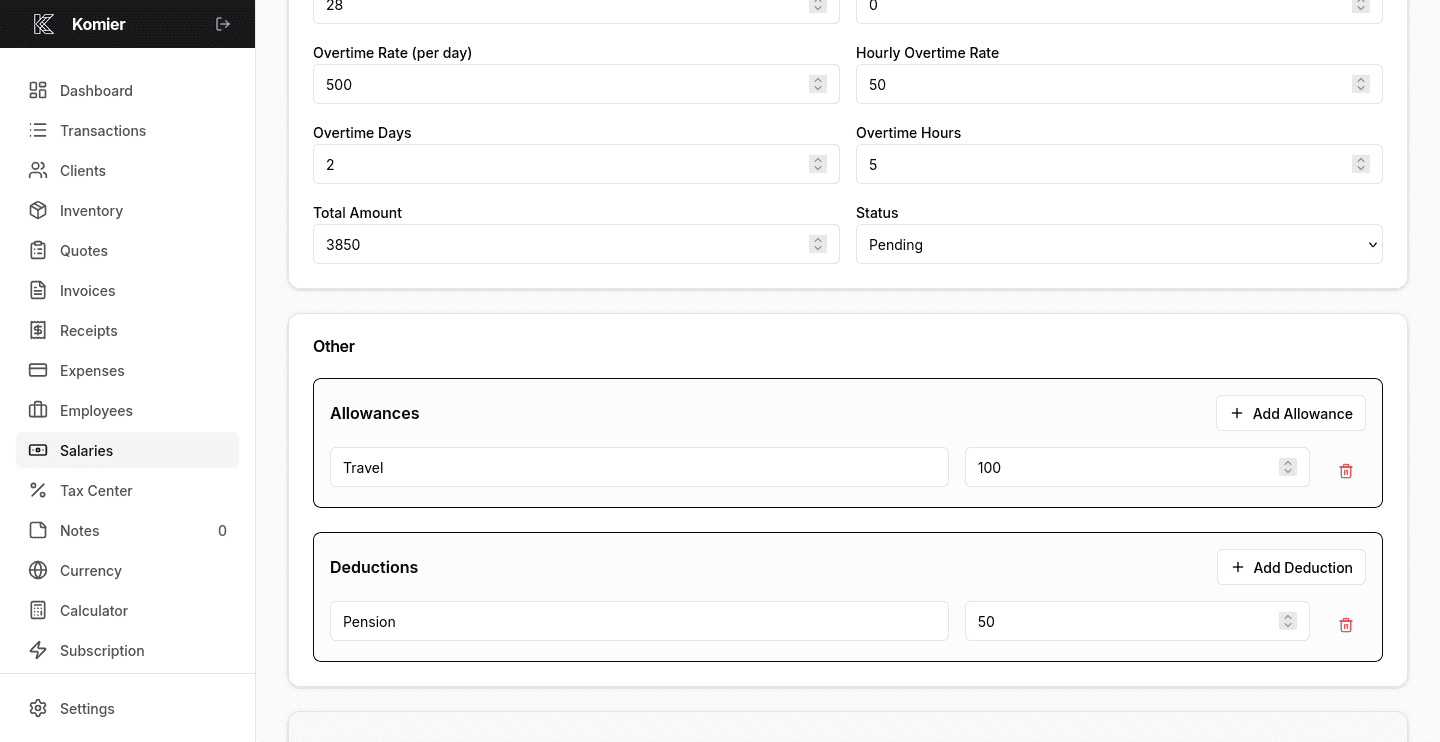
Step 5 — Add allowances and deductions

Add Allowances like travel and meal, and Deductions — such as an advance repayment or pension scheme — without changing the employee’s saved record.

komier online payslip template generator

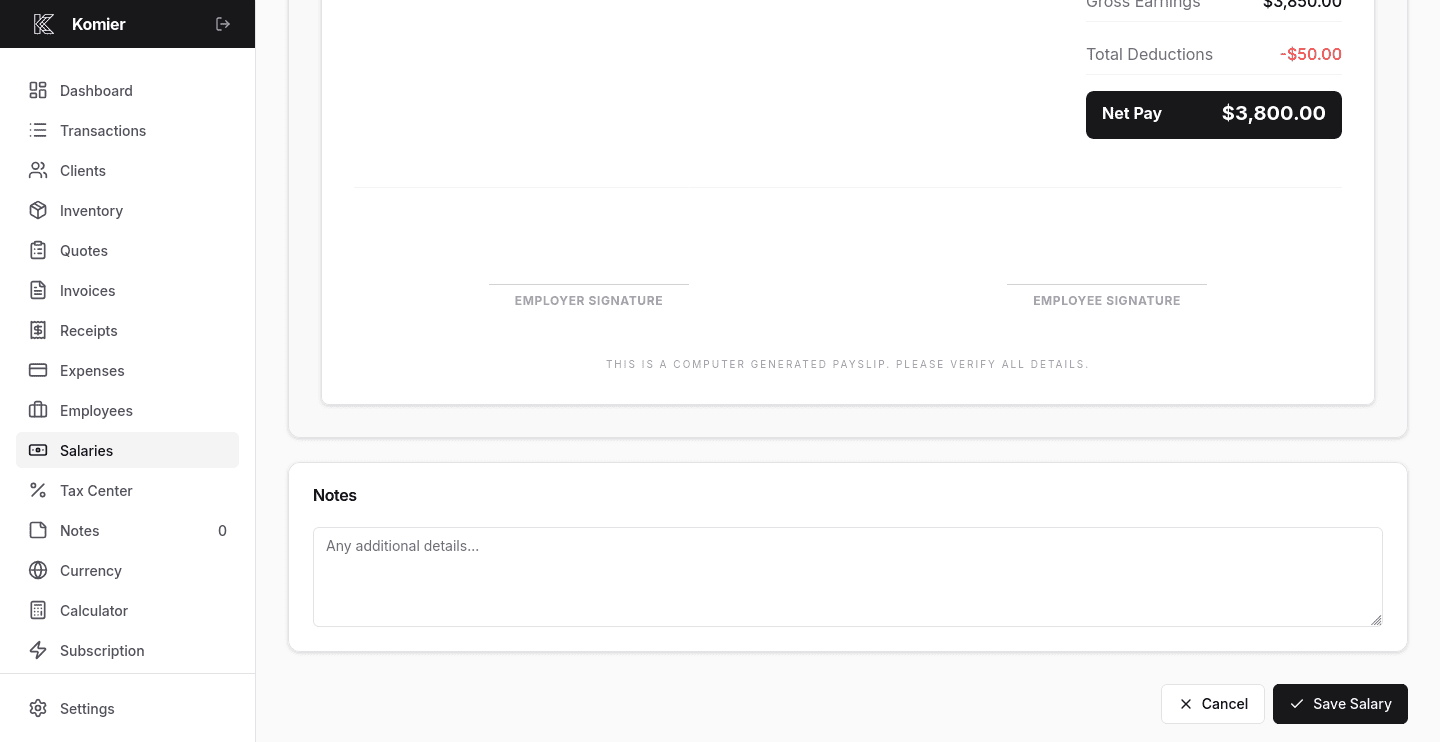
Step 6 — Verify & Save

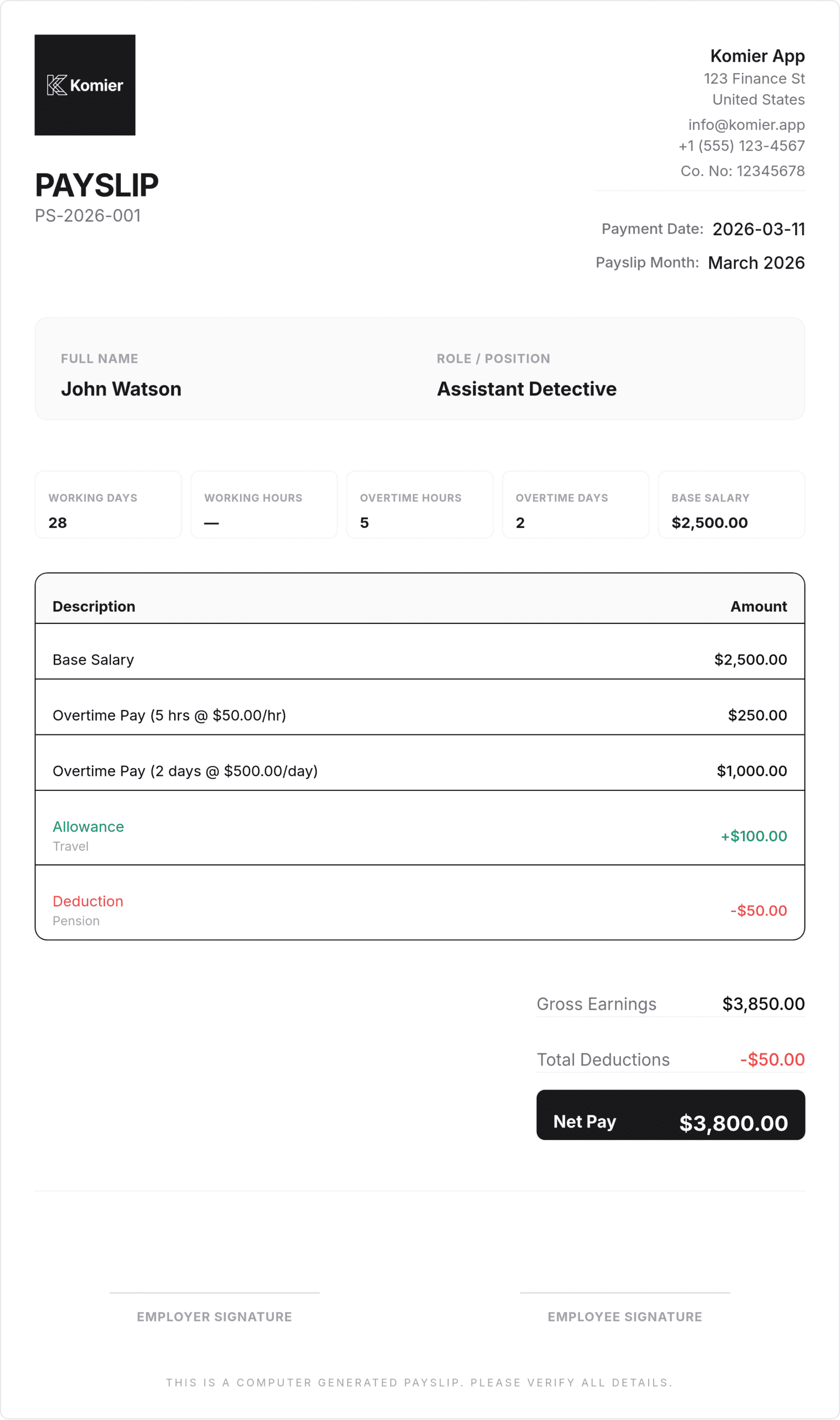
Komier displays the gross earnings, total deductions, and net pay. Verify these figures before saving the payslip.

Komier’s payslip calculation follows a straightforward logic that reflects how most small businesses actually pay people:

  • Gross Pay = Base Salary + (Overtime Hours × Hourly Rate) + (Overtime Days × Daily Rate)

  • Net Pay = Gross Pay − Total Deductions

All calculations are performed automatically. You enter the variable inputs — overtime hours or days for that specific pay period — and Komier handles the arithmetic. The final payslip displays each component clearly so both you and your employee can see exactly how the net pay figure was reached.

Pro Tip: Run payslips on the same day each month — and keep that consistent. Employees who receive payslips reliably and on time are more likely to trust their employer's financial management. It is a small operational habit with a real culture benefit.

The Feature QuickBooks, FreshBooks, and Invoice Ninja Don't Offer

komier online payslip template generator

It is worth saying clearly: neither QuickBooks, FreshBooks nor Invoice Ninja includes a native payslip generator. For any business with employees, this means paying for accounting software and still managing payslips separately every month in a Word document or a disconnected tool.

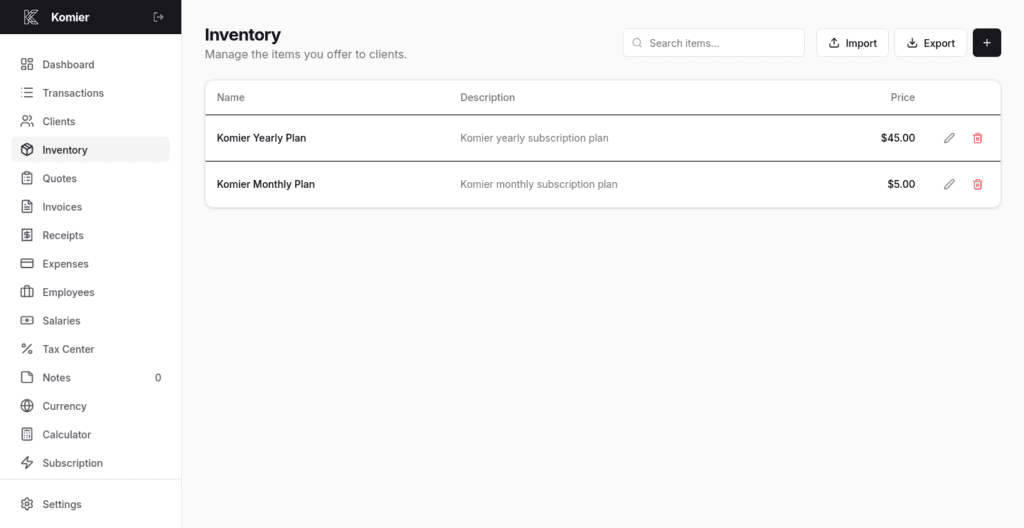
Komier includes the payslip generator as a core feature — not an add-on, not a premium tier, not a separate product. It is part of the $5 per month or $45 per year subscription alongside invoicing, quotes, receipts, expenses, and your tax dashboard.

Generate your first payslip today.

Start your free 3-day trial — full access, no credit card required.

Scroll to Top