The Best Financial Tool for Indian Freelancers and SMEs — GST-Ready and Built for India
India has one of the largest and fastest-growing freelancer economies in the world. Millions of independent professionals — developers, designers, writers, consultants, marketers — are billing clients globally while managing GST compliance, tracking expenses across multiple projects, and in many cases, employing small teams or engaging contractors who need payslips.
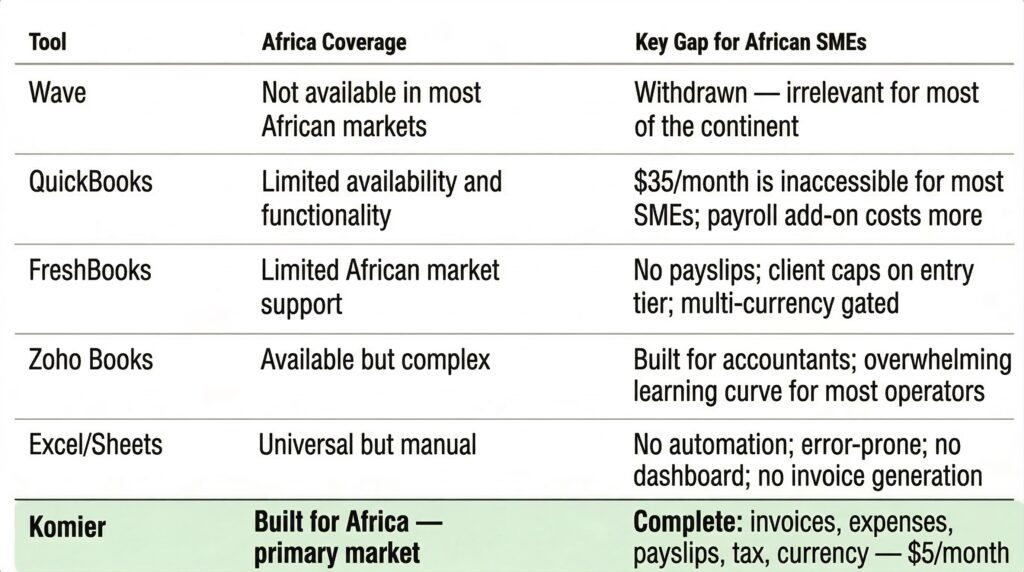
The financial tool landscape for this market is surprisingly poor. Wave — widely used and recommended globally — is no longer available in India. Zoho Books, Wave’s suggested replacement, is technically comprehensive but routinely described by Indian users as overcomplicated for everyday freelance use. QuickBooks is priced for Western markets. FreshBooks lacks payslip capability and is expensive relative to what it offers.
Komier was built to serve this exact gap.
India has millions of freelancers and SMEs who need GST-compliant invoicing, expense tracking, and payslip generation — all in a tool that does not require an accountant to operate. That is what Komier is.
What Indian Freelancers and SMEs Need
GST-compliant invoice generation — GSTIN on the invoice, correct tax breakdown, professional formatting
Real-time GST liability estimate — knowing your running GST obligation as income grows
Expense tracking in INR — with categories for tax deduction purposes
Multi-currency invoicing — billing international clients in USD or EUR while tracking locally in INR
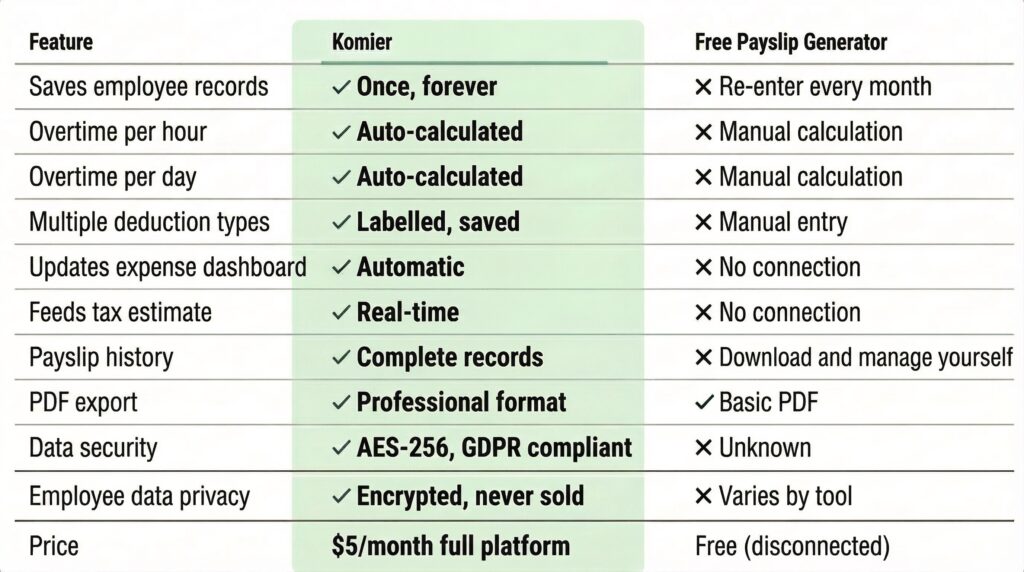
Payslip generation — for freelancers who engage contractors or have employees
Simple enough to use without a CA reviewing every transaction
Affordable — Indian freelancers are price-sensitive and the tool should reflect that
GST Invoicing With Komier
GST compliance is the single most important invoicing requirement for Indian businesses registered under GST. A GST-compliant invoice must include:
Supplier’s GSTIN
Recipient’s GSTIN (for B2B transactions)
Invoice number and date
Place of supply
HSN or SAC code for goods or services
Tax rate and amount — CGST, SGST or IGST as applicable
Total invoice value
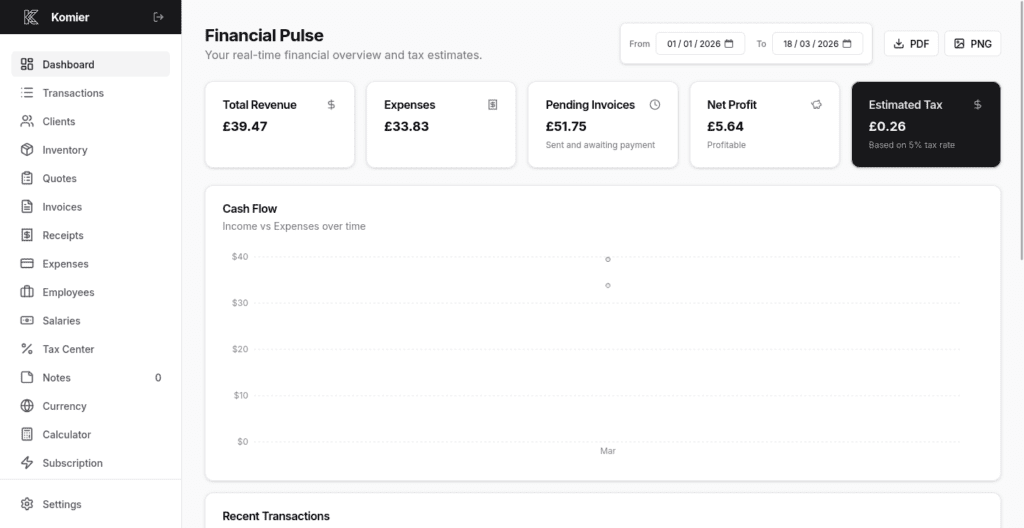
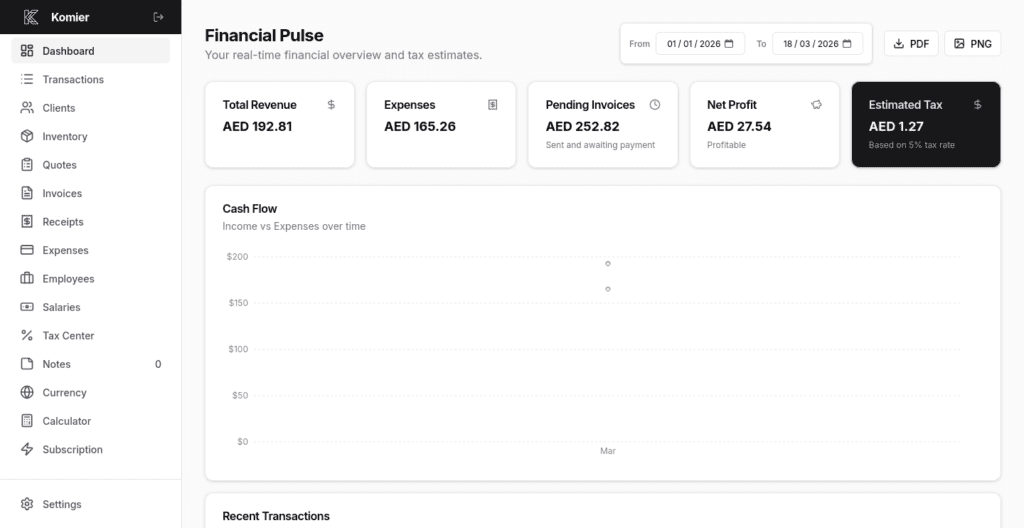
In Komier, configure your GSTIN in your business profile and it appears automatically on every invoice. Set your applicable GST rate — 5%, 12%, 18%, or 28% — as your tax line and Komier calculates the tax amount and total automatically. Your Tax Center tracks your running GST liability as invoices are marked paid, giving you a real-time estimate of your next GST payment.
Important: Komier's GST tools are designed for real-time planning and invoicing. Official GST return filing must be done through the GST portal. Always consult a Chartered Accountant for your formal quarterly and annual filings. Komier gives you accurate records and estimates — your CA handles the official submission.
Komier vs Zoho Books for Indian Freelancers
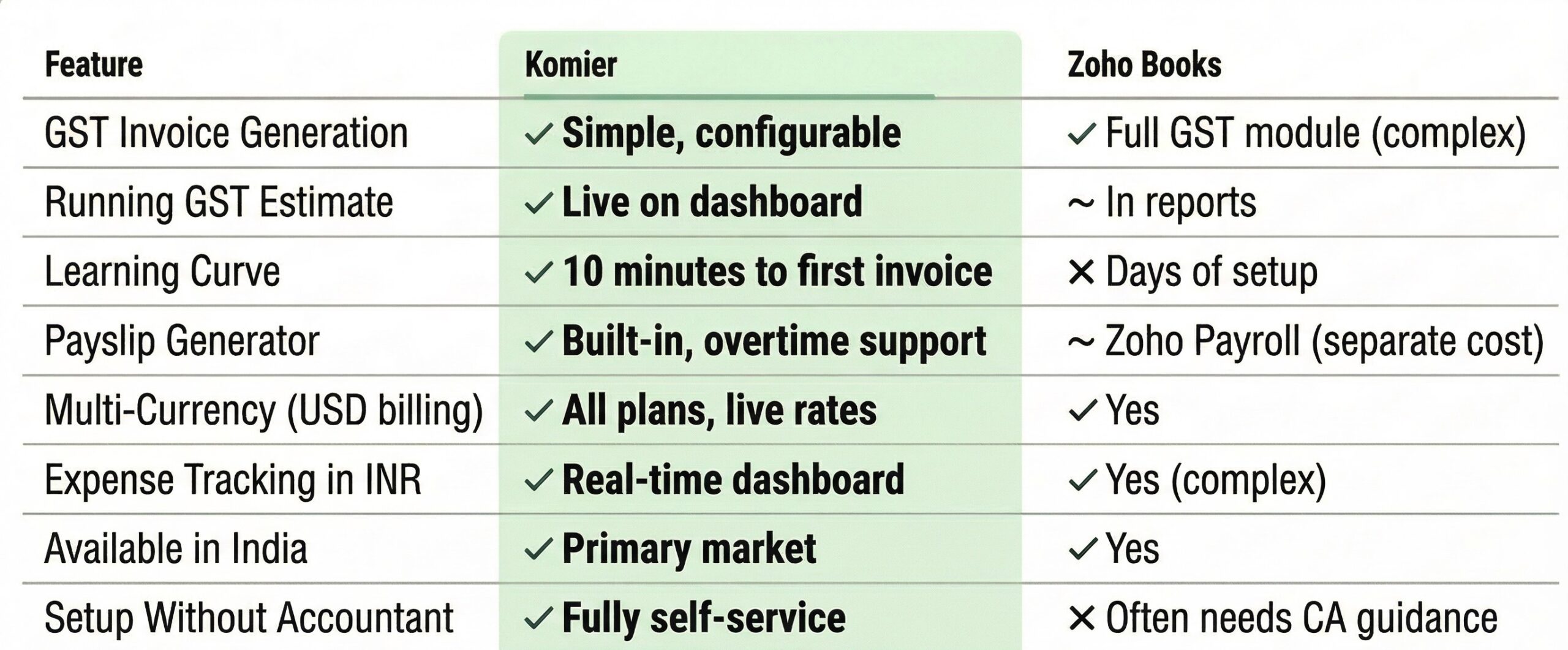
Setting Up Komier for India — Quick Start
Set your home currency to INR in Currency Settings
Under Preferences, set the Applicable Tax Label to GSTIN and the Applicable Tax Rate to your GST rate — it will appear on all invoices automatically
Add your clients — both domestic and international
Add your services or products to Inventory with INR pricing for domestic and USD pricing for international
Generate your first invoice — total time from sign-up to first invoice: under 10 minutes